 DOCUMENTATION
SPAN and Antennas
The SPAN fairing on the spine and the other antennas: what they are on the real aircraft and what they change in the simulator.
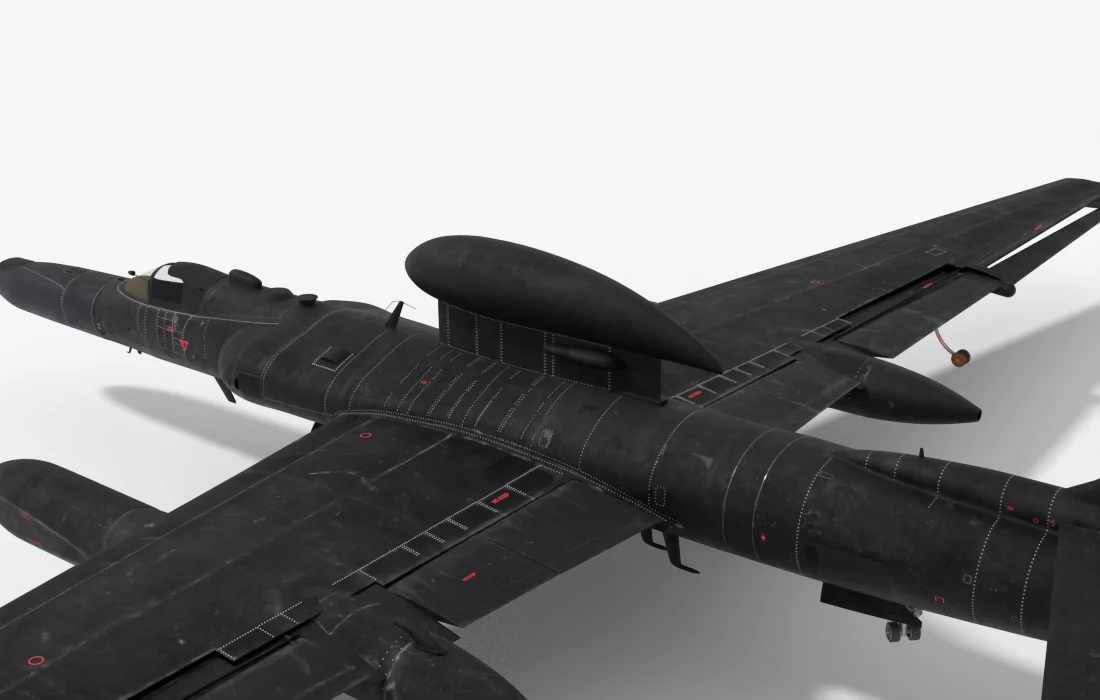
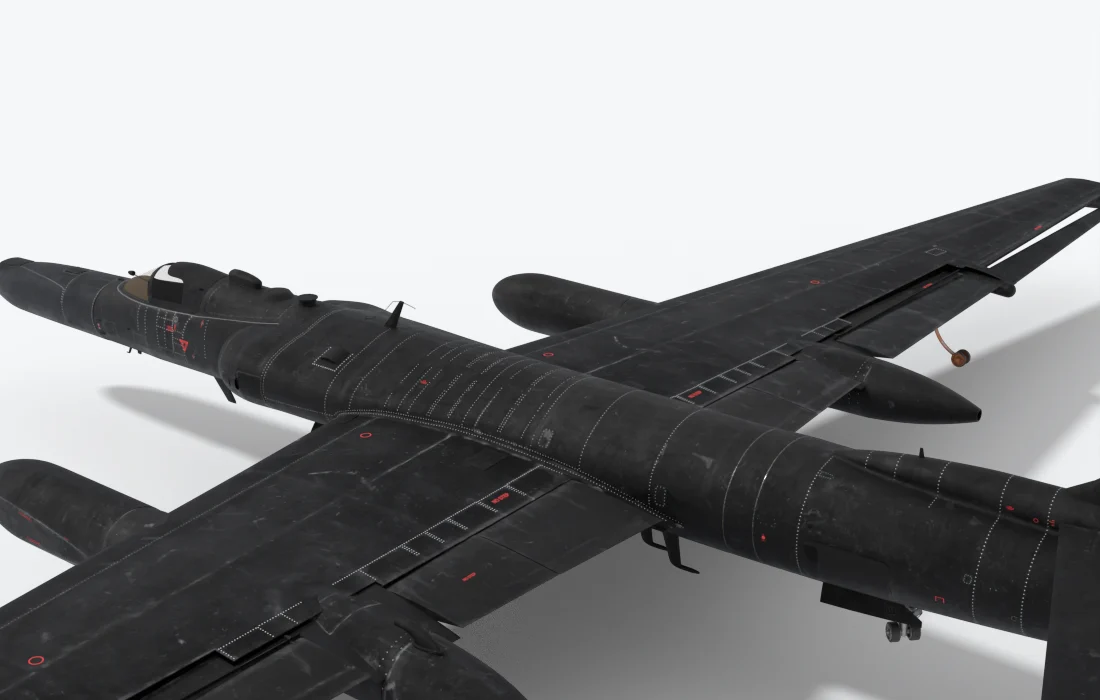
On the real aircraft. SPAN carries a satellite antenna, so the aircraft can send what it collects to the ground from beyond line of sight.
In the simulator. These items are about the look and the weight. No page or function depends on them: the EFB Datalink tab works with or without the SPAN.
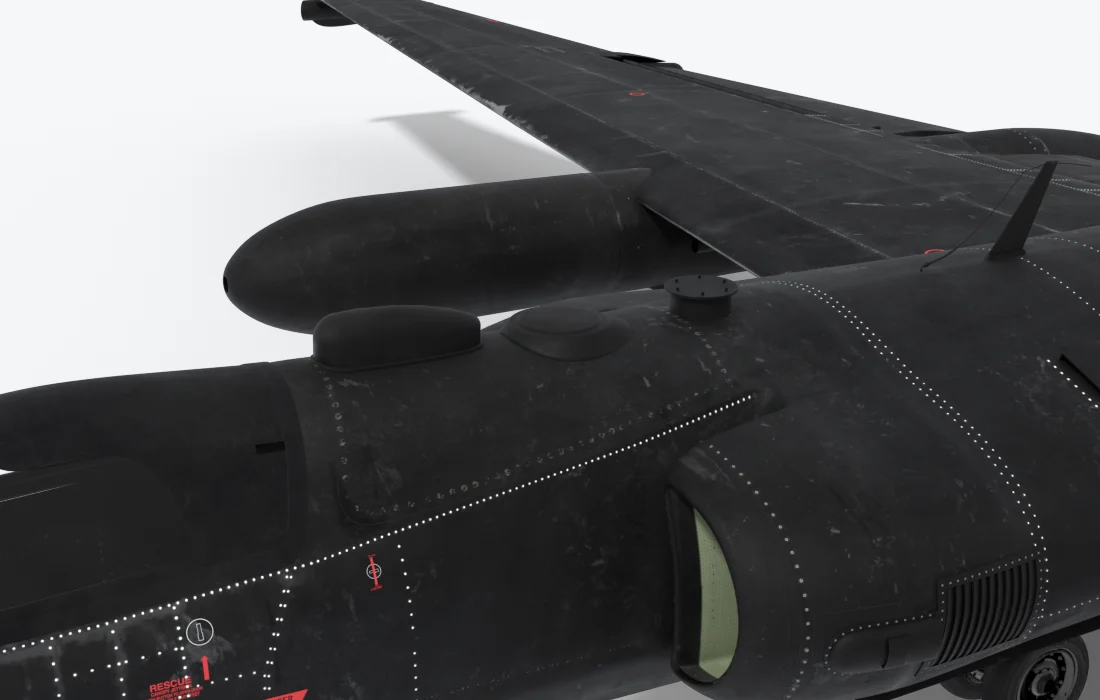
Dorsal sensors
- Forward (1)
- Middle (2)
- Aft (3)
| Item | EFB Aircraft tab | Weight |
|---|---|---|
| SPAN dorsal | SPAN switch, or its chip on the drawing | 1,100 lb |
| Dorsal sensors 1-3 | Dorsal antennas: Forward, Middle, Aft | 300 lb each |
| Belly sensor 4 | Belly sensor switch | 300 lb |
| Belly blade antennas | Belly blade antennas switch | - |
The four sensors are fitted on a fresh install, the SPAN is not. The weights are estimates. The belly sensor is in the picture on Optical Bar Camera (OBC).