 DOCUMENTATION
Overview - Cockpit
Our rendition of the U-2S cockpit, panel by panel. Every picture on this page is rendered from the aircraft's 3D cockpit model, so each switch, knob and label is exactly where you will find it in the simulator.
Main Instrument Panel
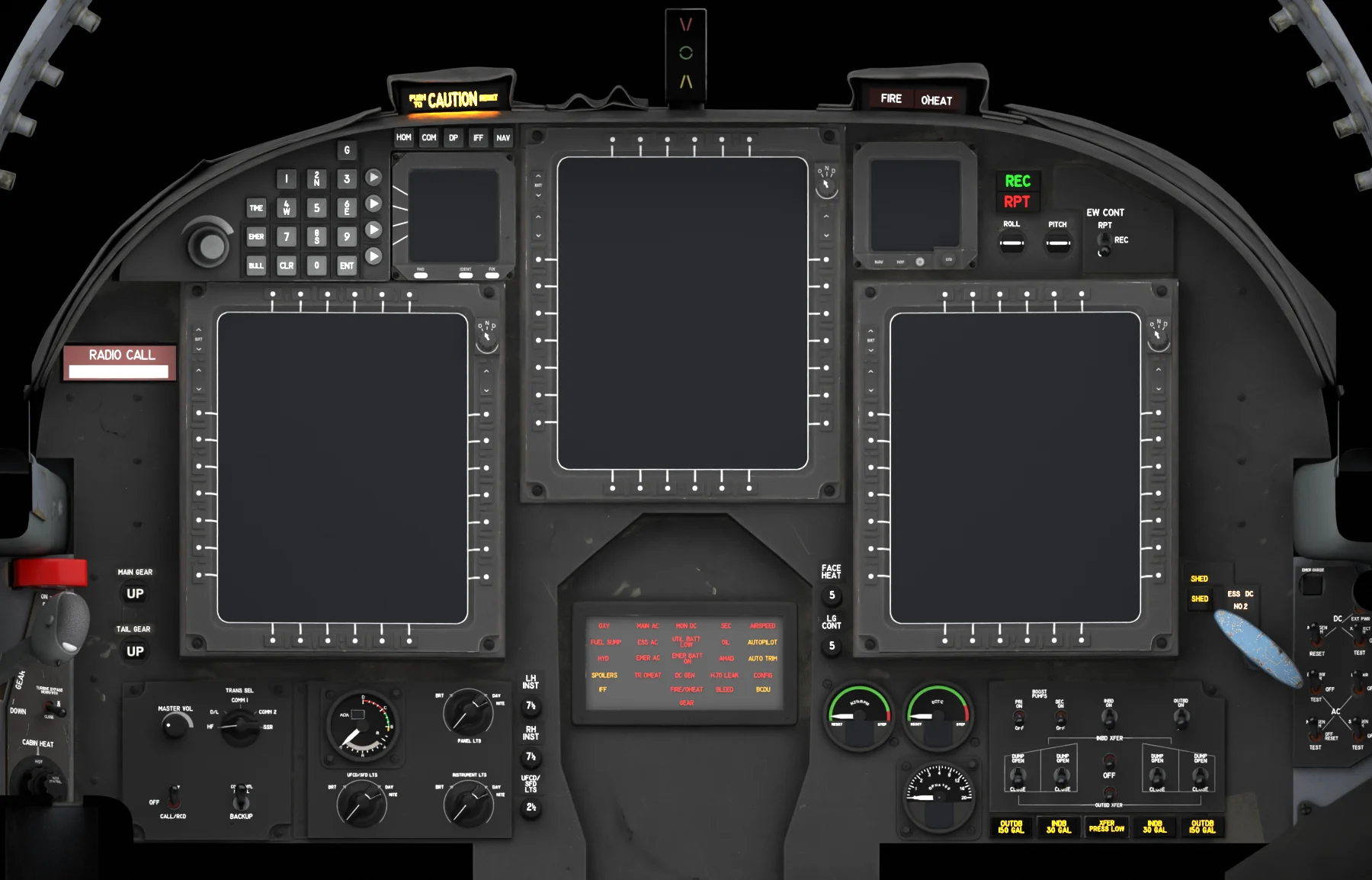
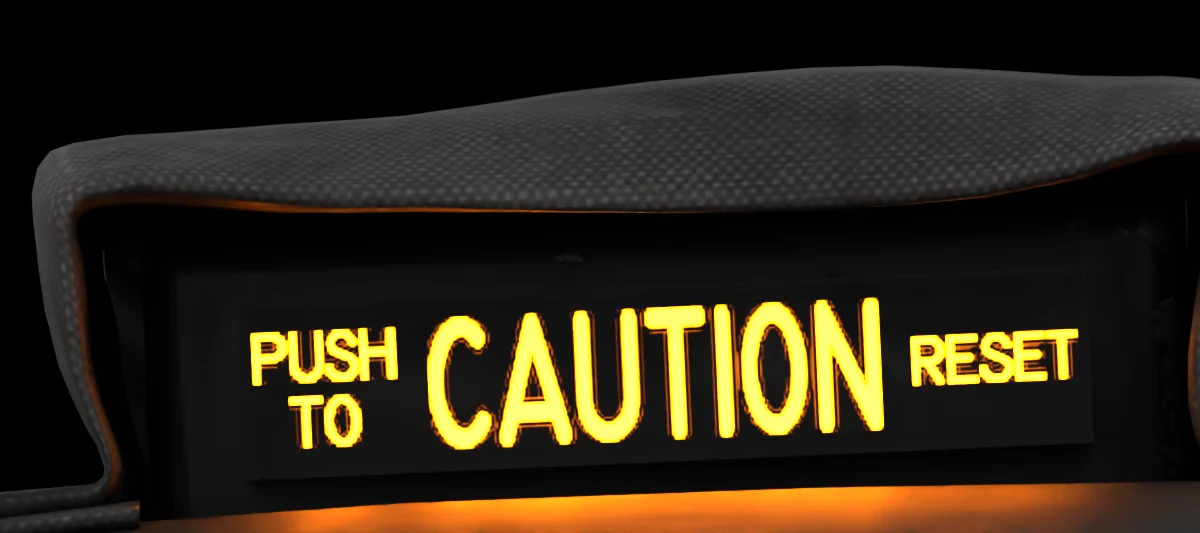 1Master CautionLights for every new warning or caution; press it to reset. Warnings →
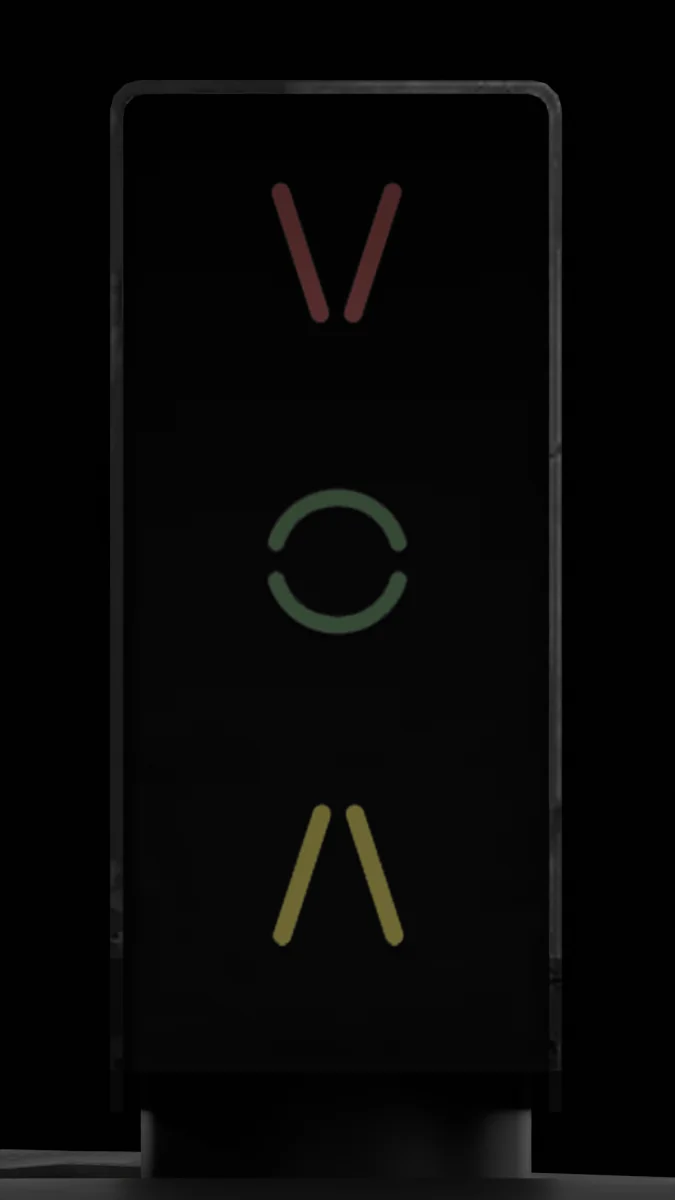
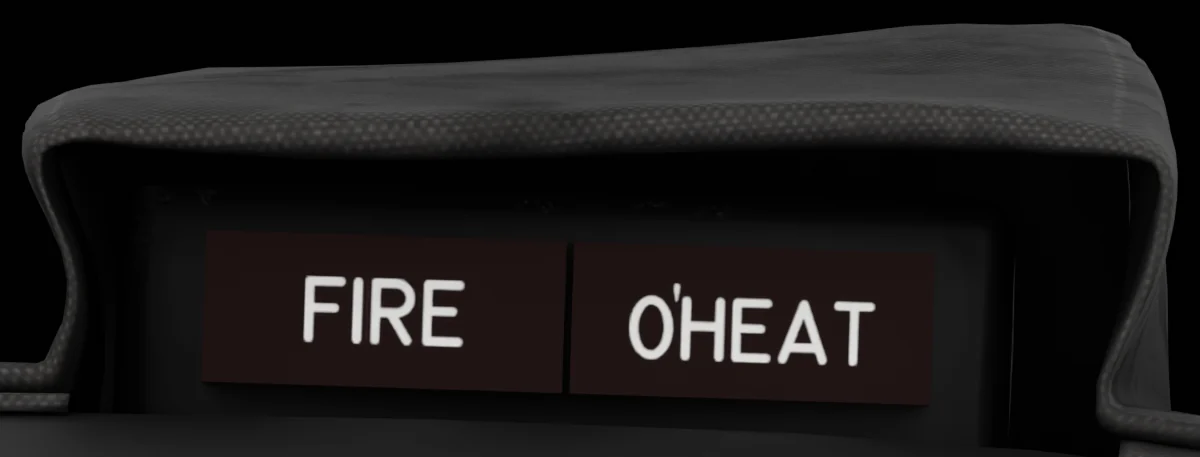 3FIRE / O'HEAT LampsEngine fire and overheat warnings. Warnings →
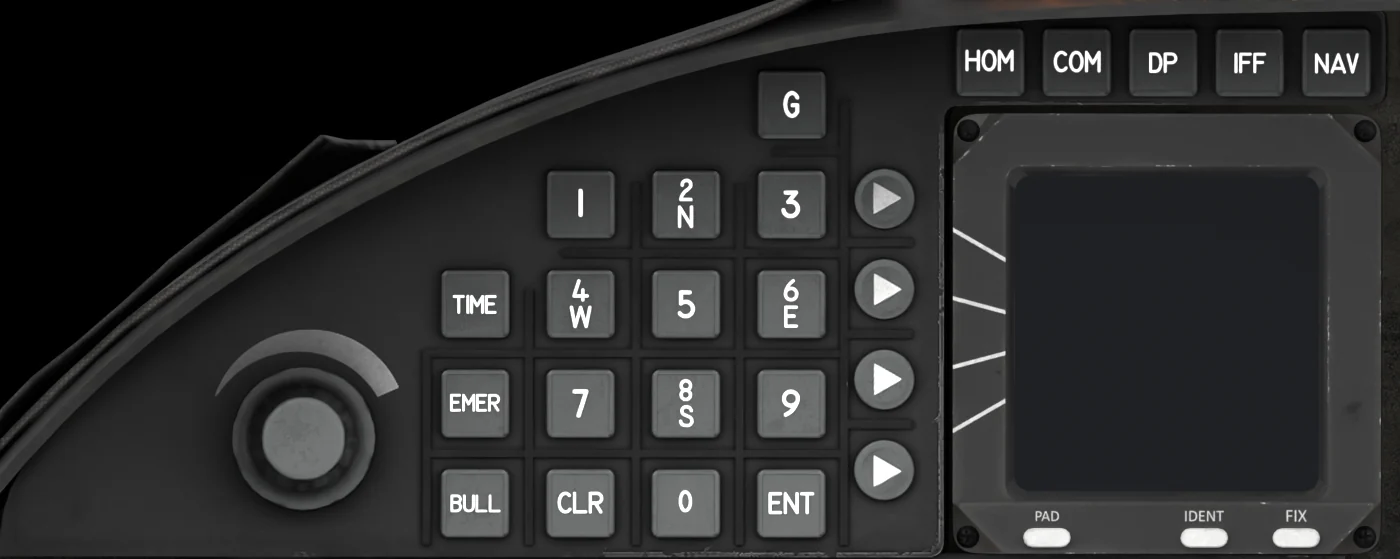 4Up-Front Control DisplayRadios, transponder, destination points, timers, and the keypad for MFD entries. UFCD →
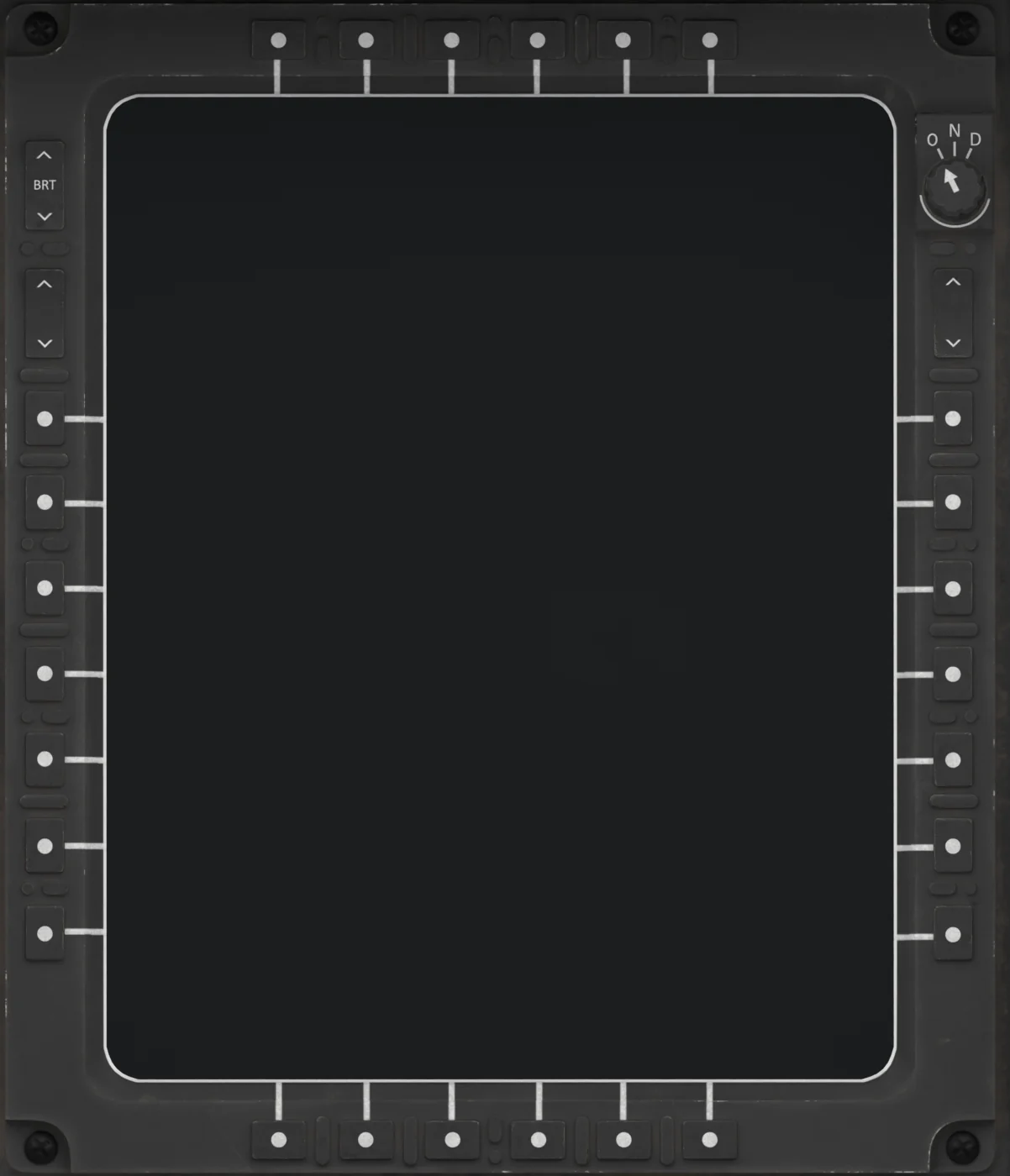 5Center MFDMulti-Function Display. Any of the three MFDs can show any page. MFDs →
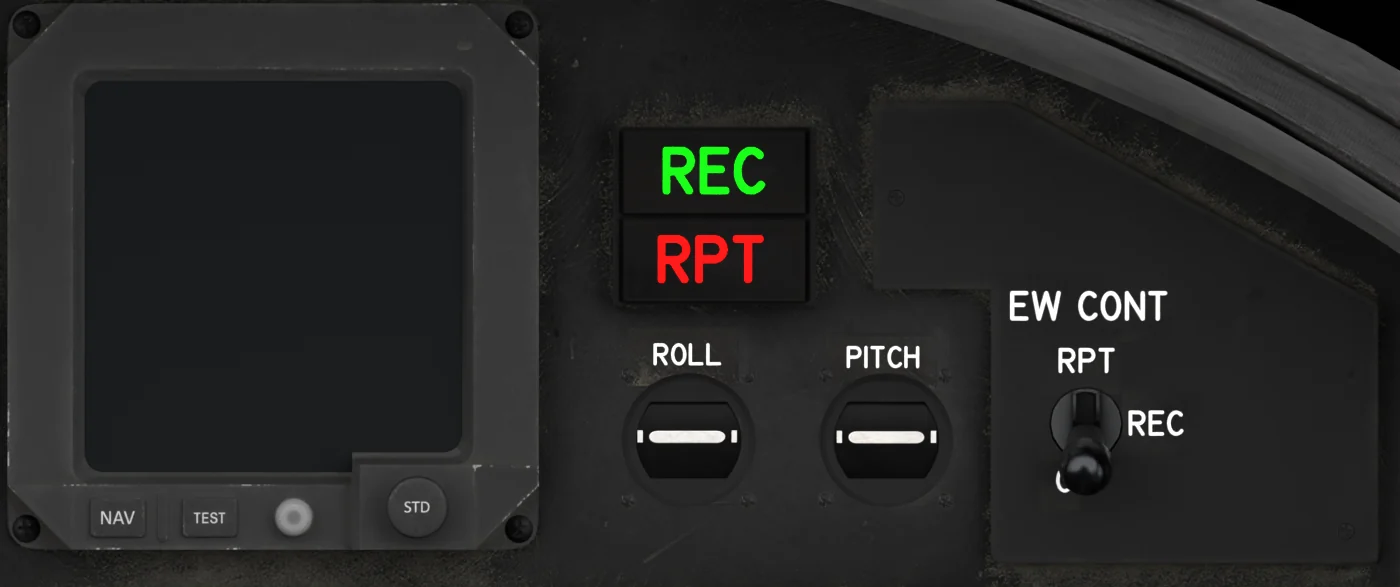 6SFD and EW PanelStandby Flight Display; EW REC / RPT lamps and EW CONT switch; autopilot ROLL / PITCH sync indicators. SFD →
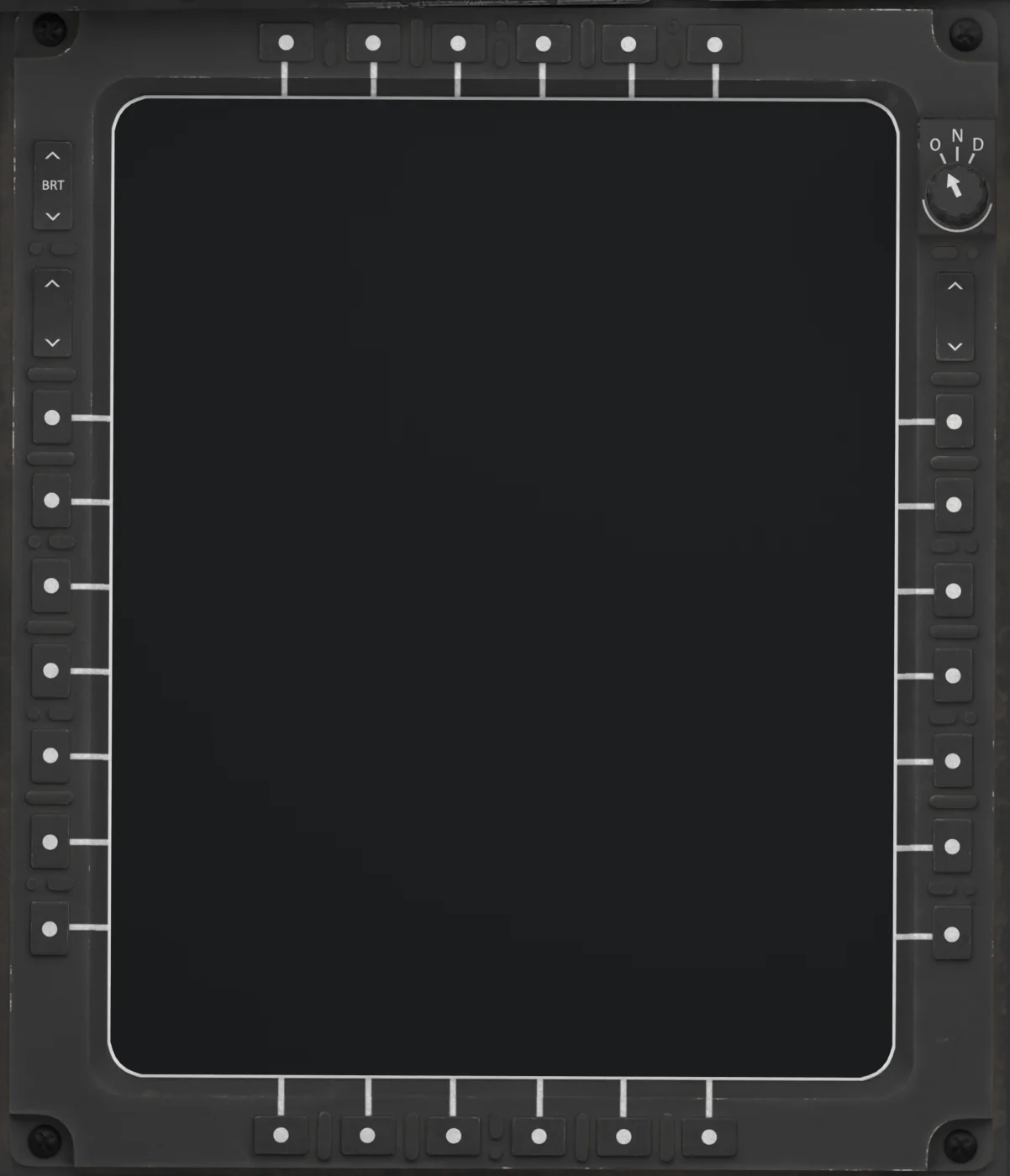 7Left MFDUsually the map or the fuel / engine page. MFDs →
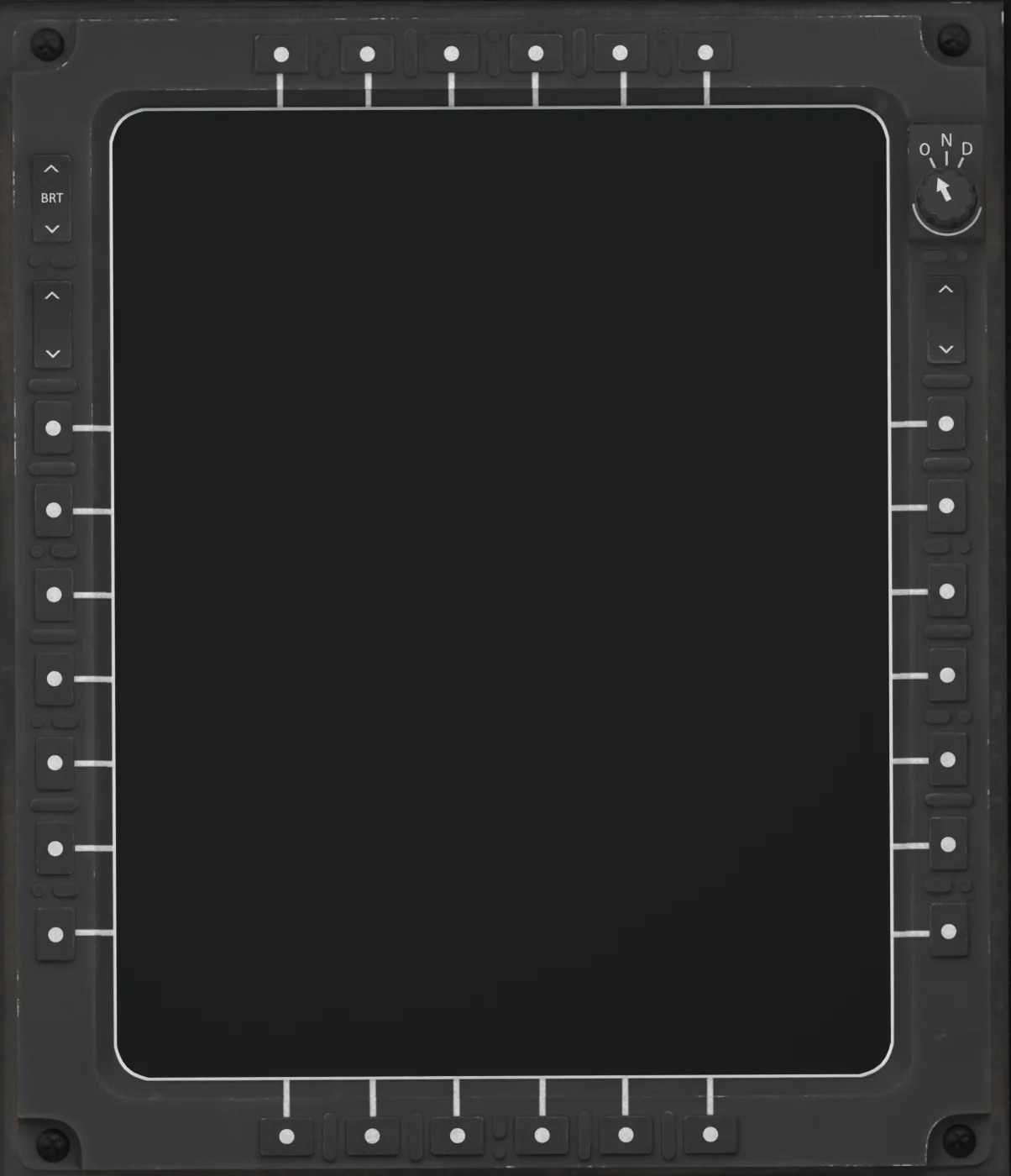 8Right MFDUsually navigation or the sensor pages. MFDs →
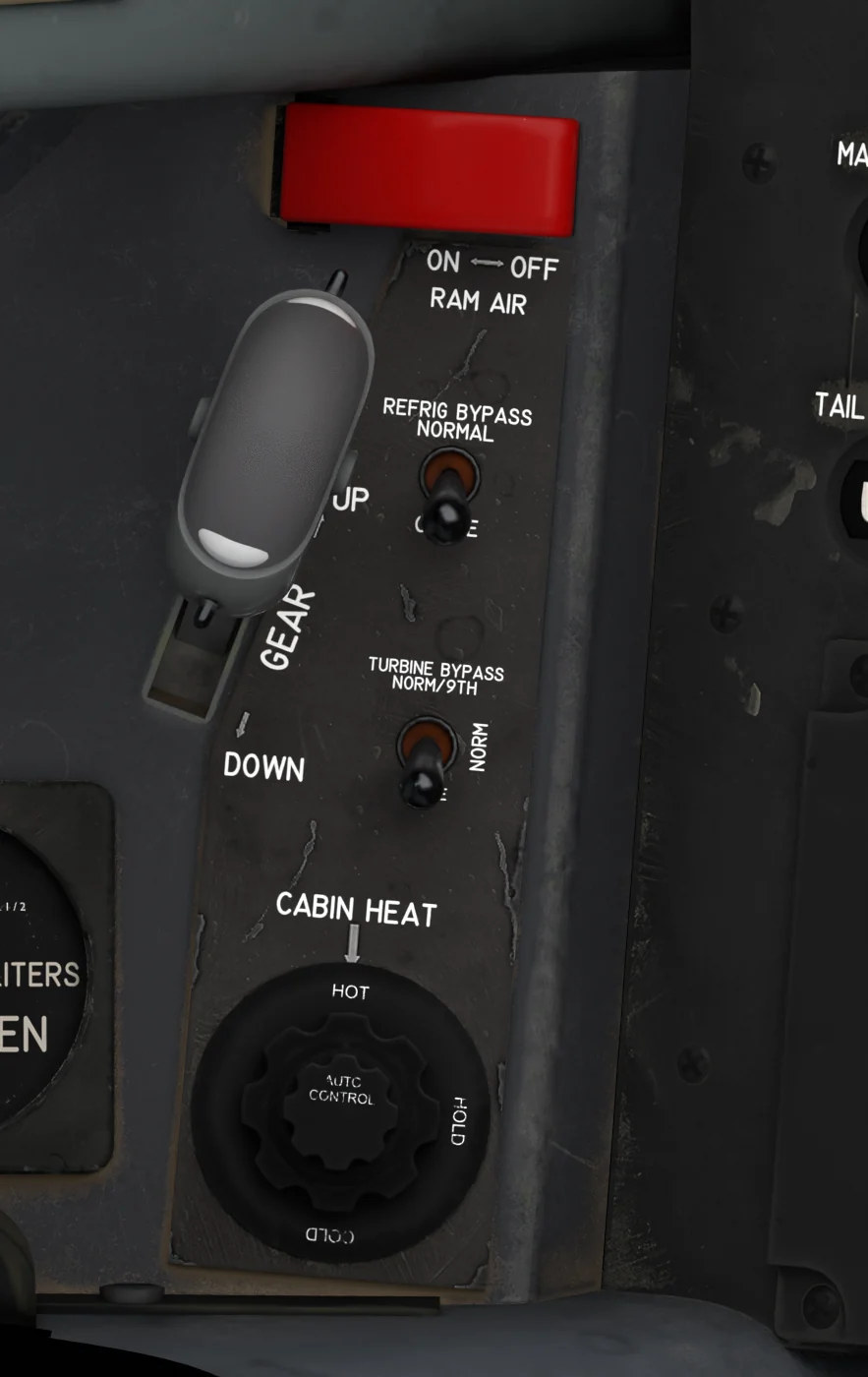 9Gear Handle and Cabin AirLanding gear handle, RAM AIR, REFRIG BYPASS, TURBINE BYPASS and the CABIN HEAT knob. Cabin →
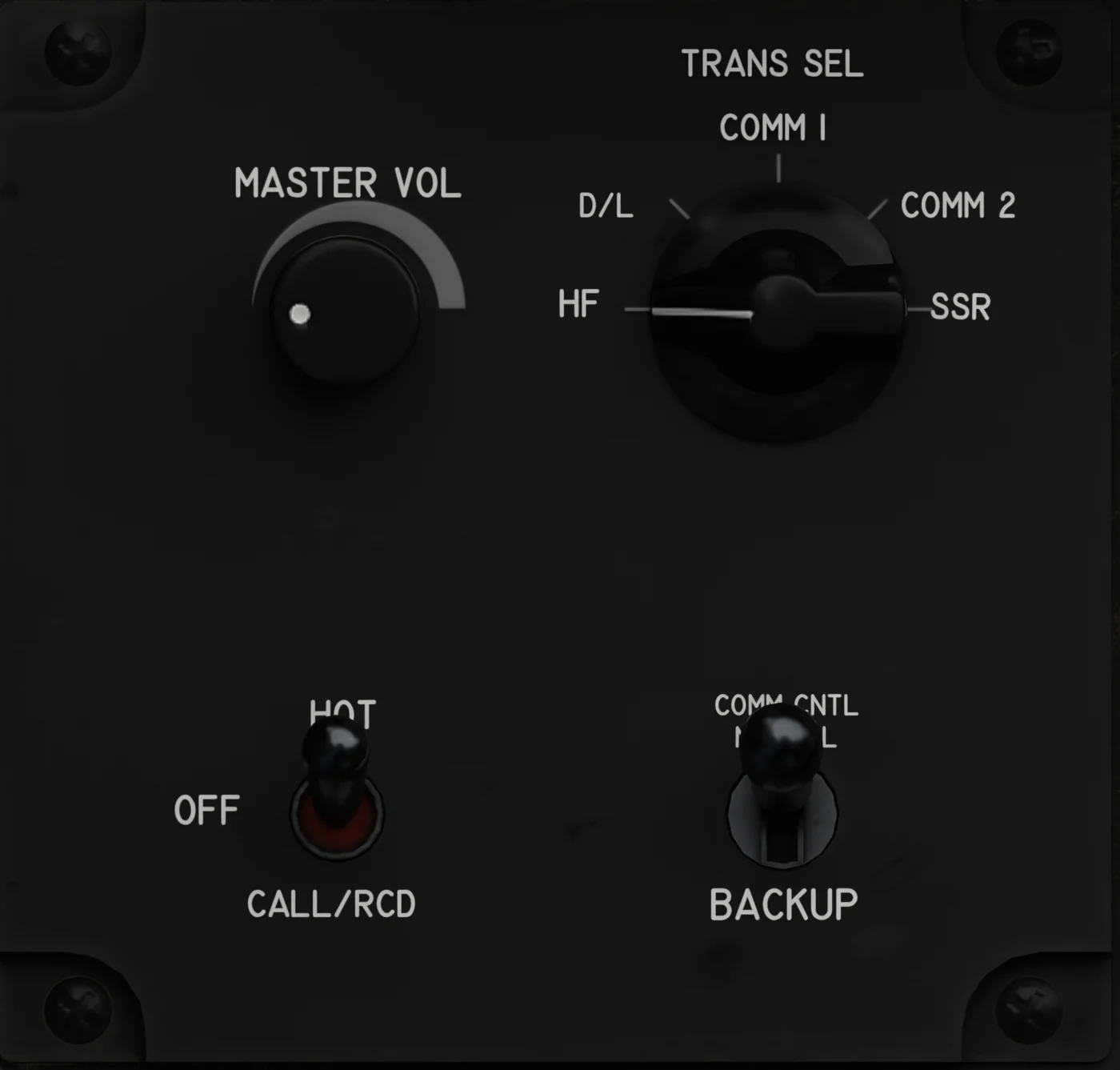 10Audio PanelMASTER VOL, the TRANS SEL transmitter selector, CALL / RCD and the COMM CNTL BACKUP switch. UFCD radios →
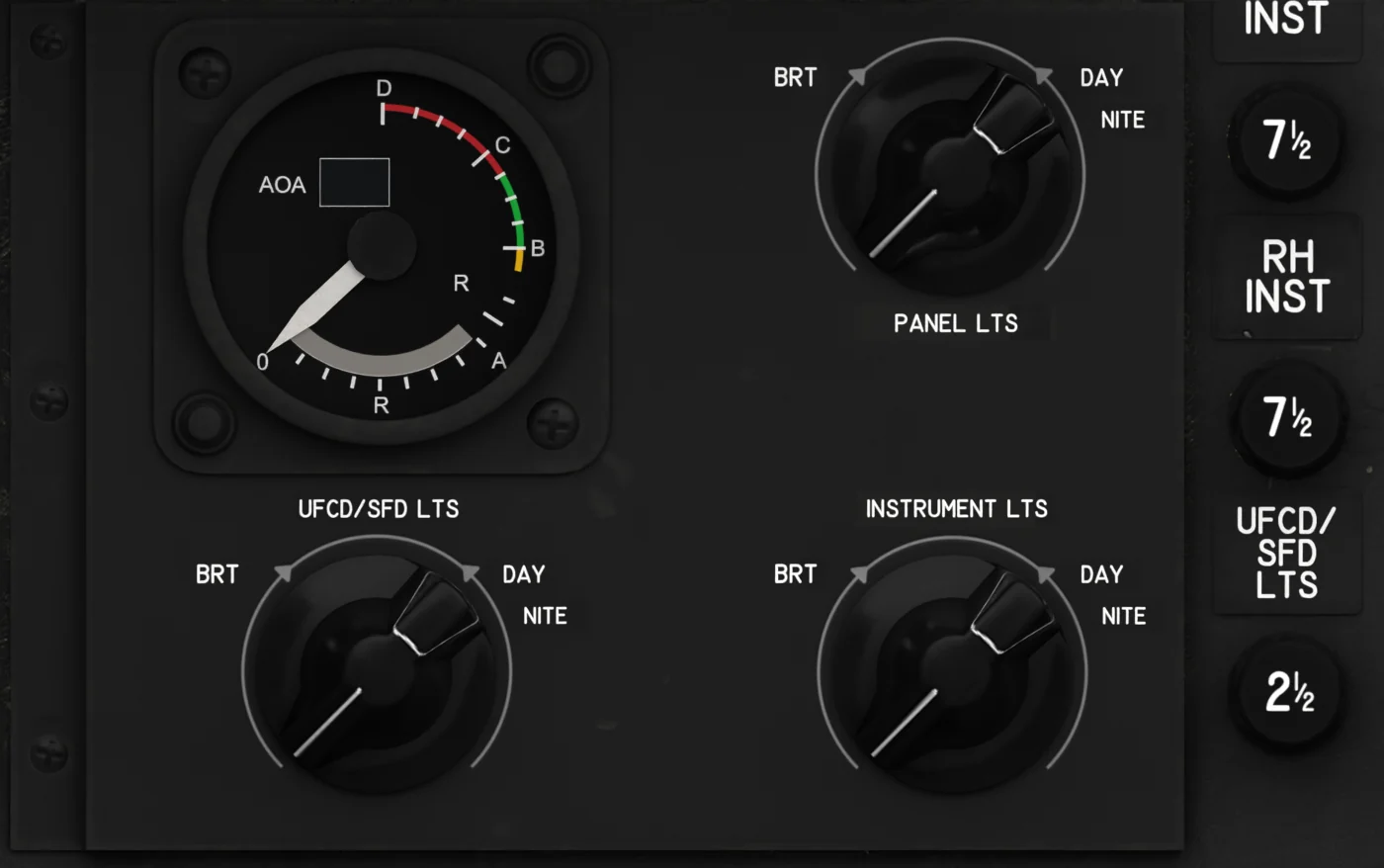 11Lights PanelStandby AOA gauge, PANEL / UFCD-SFD / INSTRUMENT light knobs and their circuit breakers. AOA →
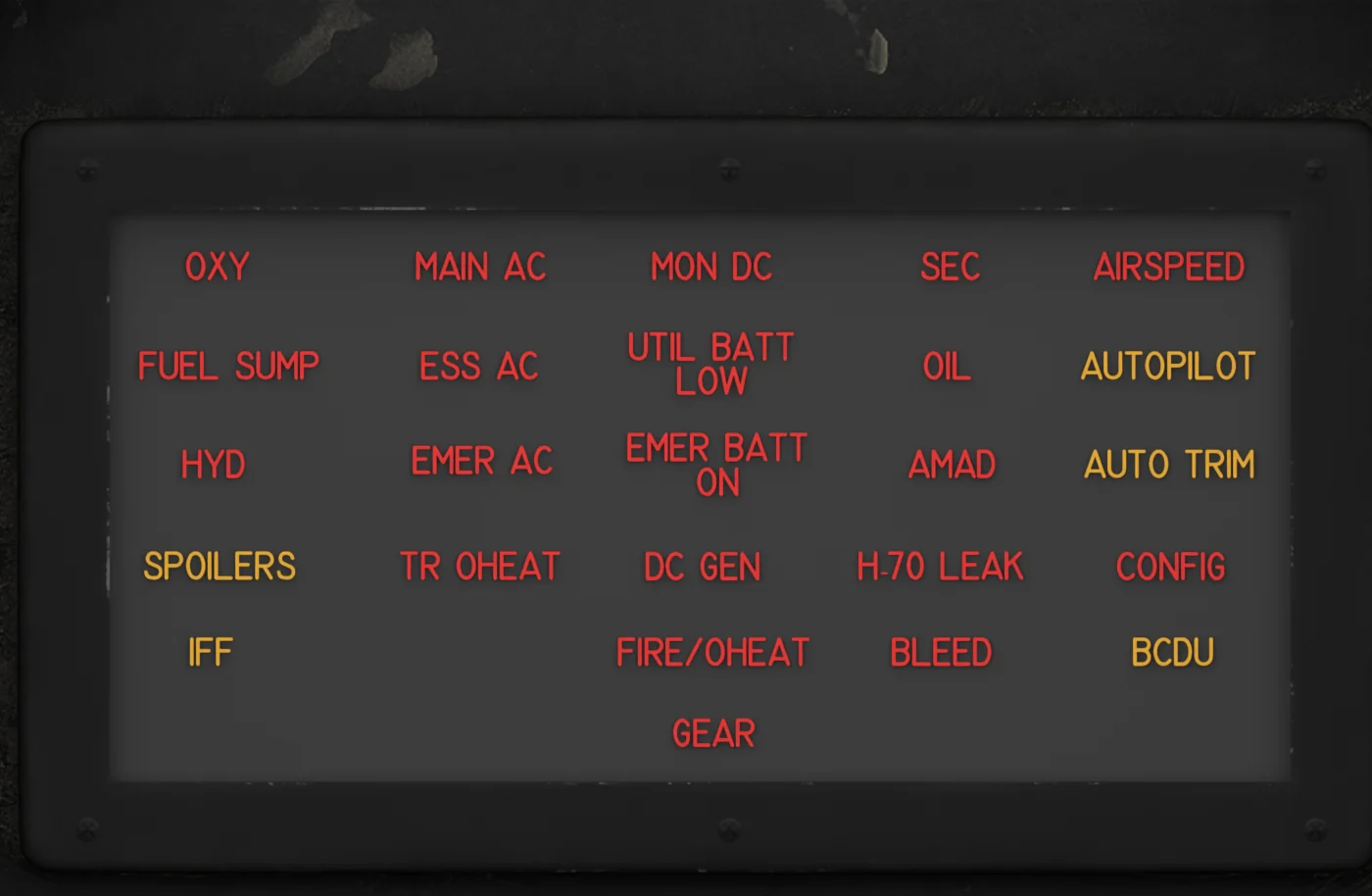 12Warning PanelWarning and caution lamps, behind the control column. Warnings →
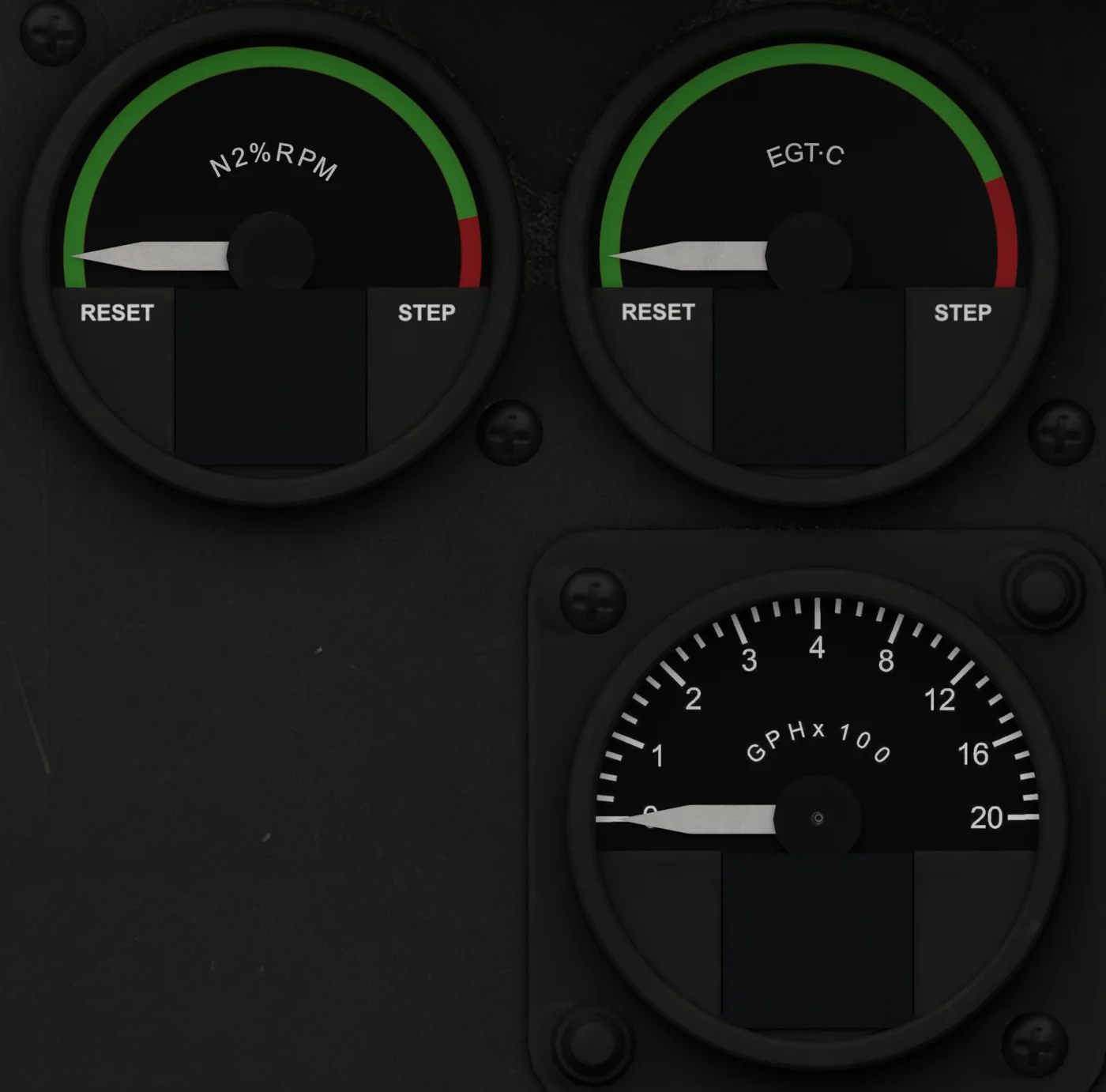
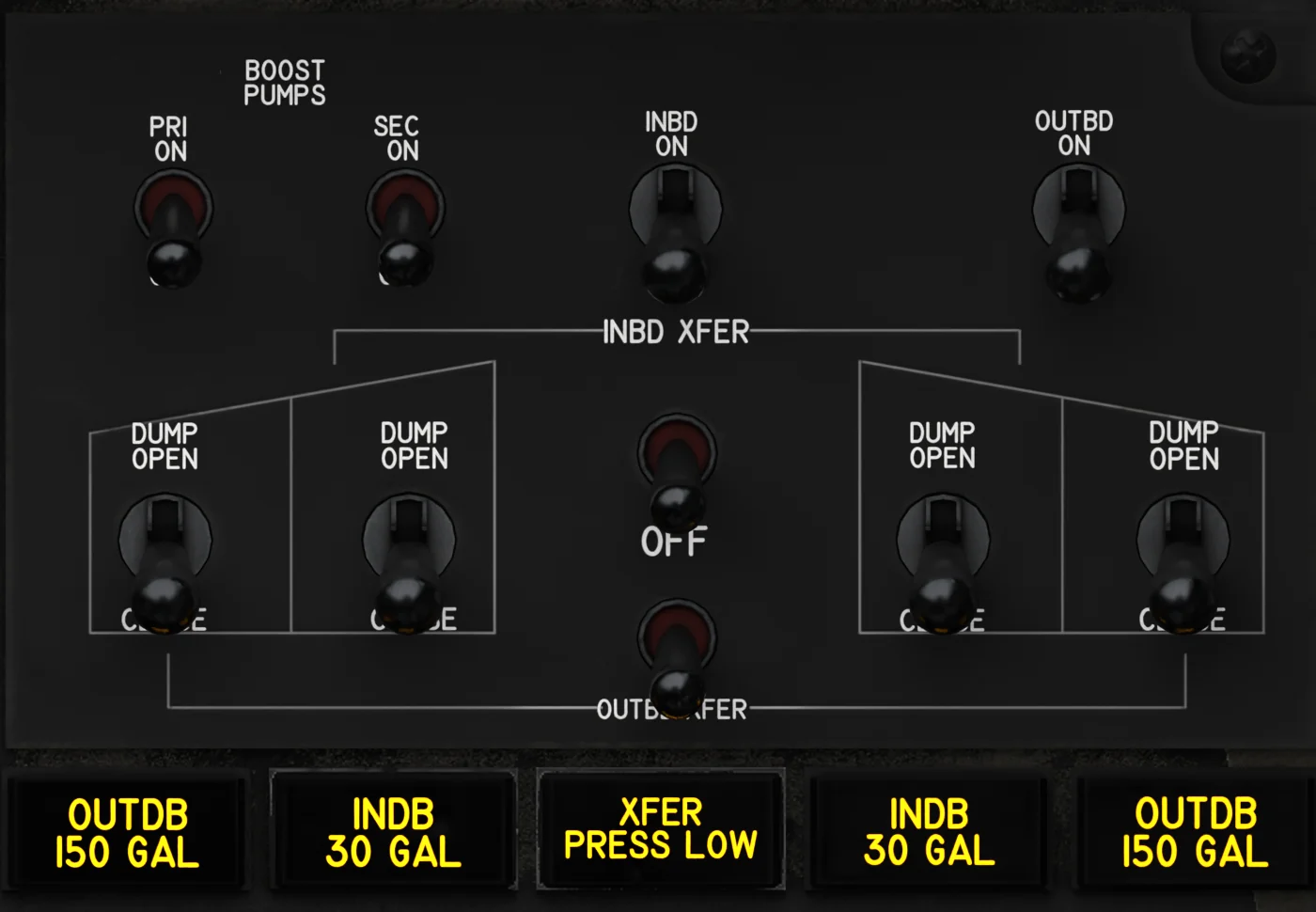 14Fuel PanelBoost pumps, sump-tank and cross-transfer, dump switches and the dump / transfer lamps. Fuel →
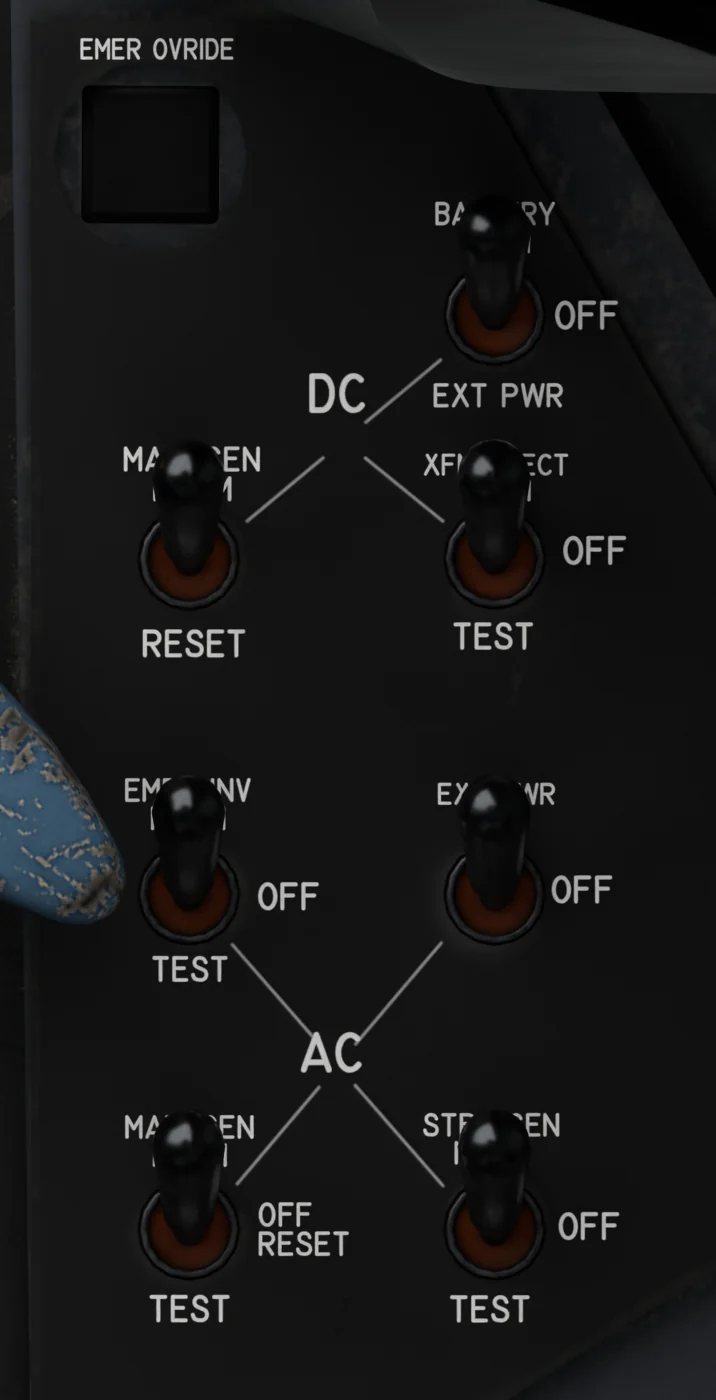 15Electrical PanelBattery, external power, generators, inverter and TR. Power →
Left Console
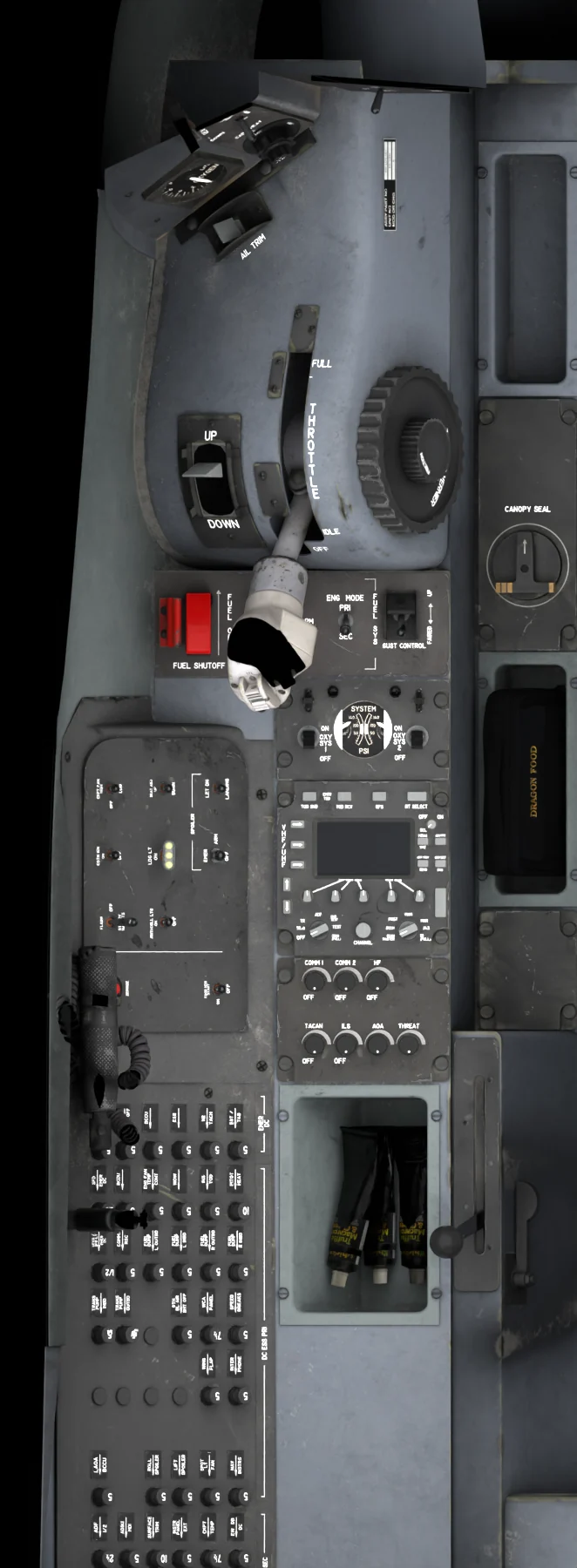
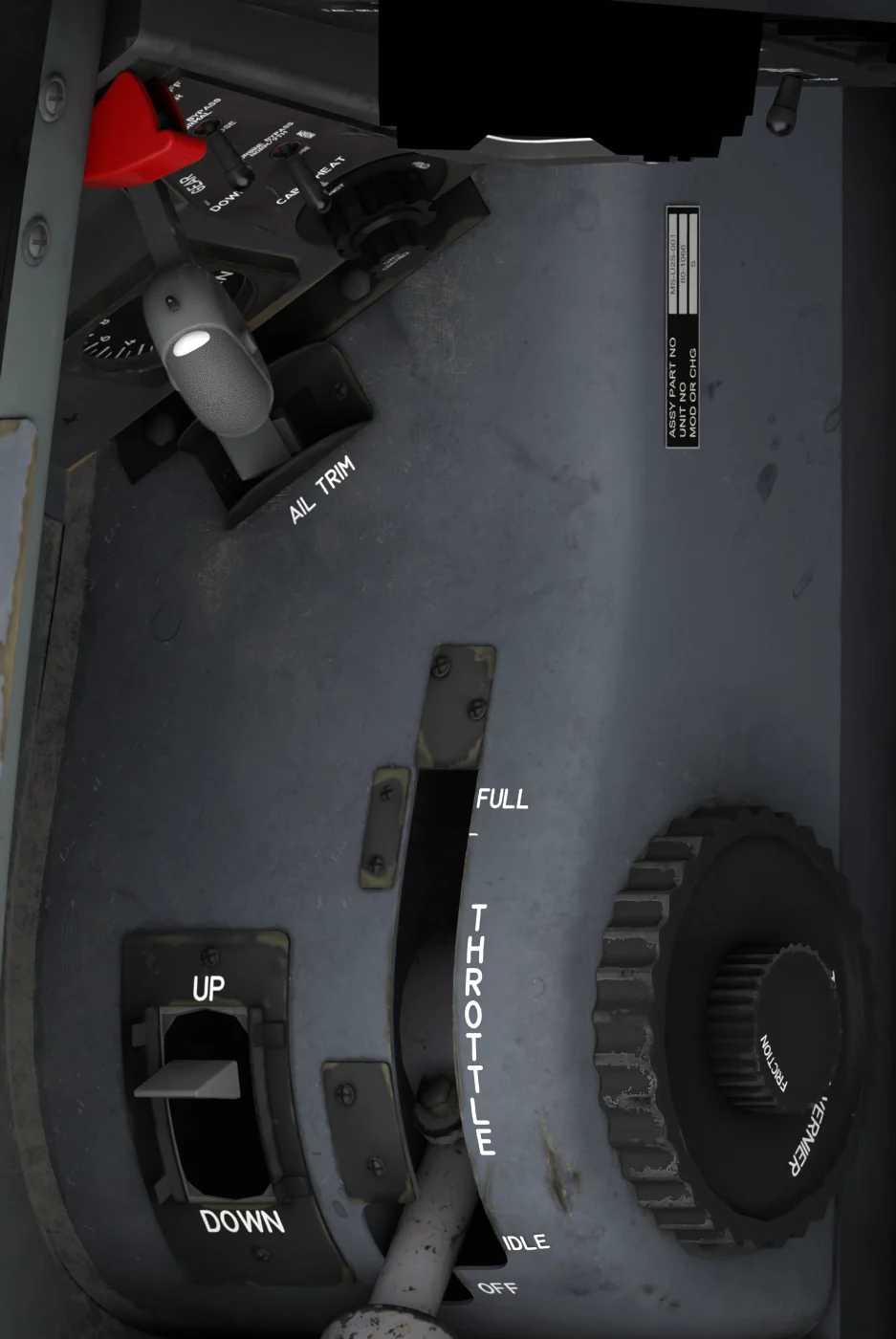 1Throttle QuadrantThrottle with the OFF / IDLE stop and the speed-brake switch on its grip, flap lever, aileron trim, friction and vernier. Engine →
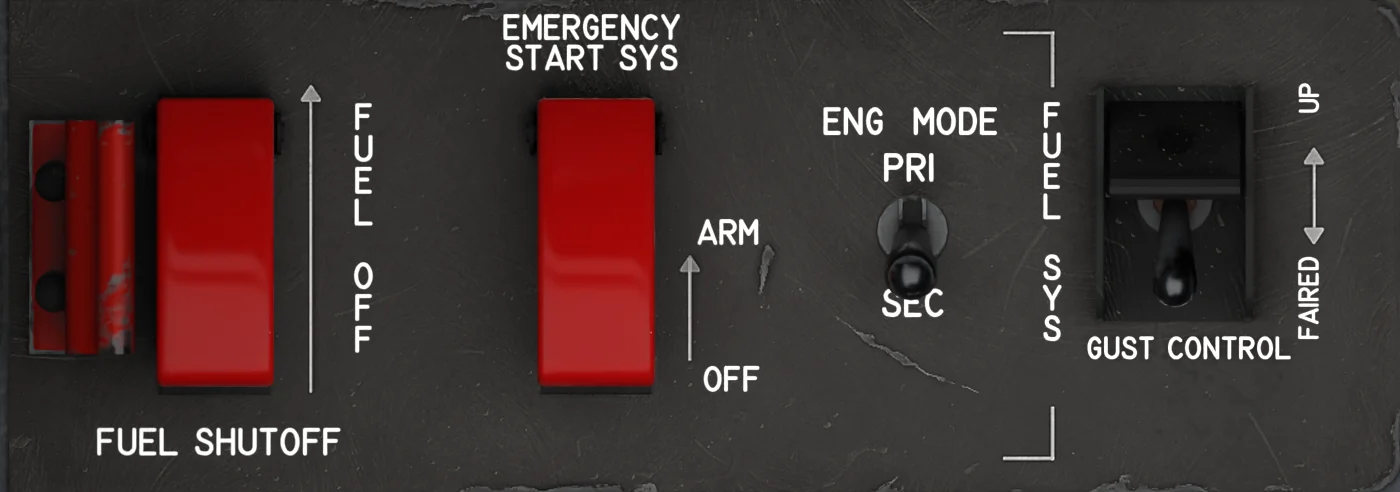 2Engine Control PanelFUEL SHUTOFF and EMERGENCY START SYS (guarded), ENG MODE, GUST CONTROL. Engine →
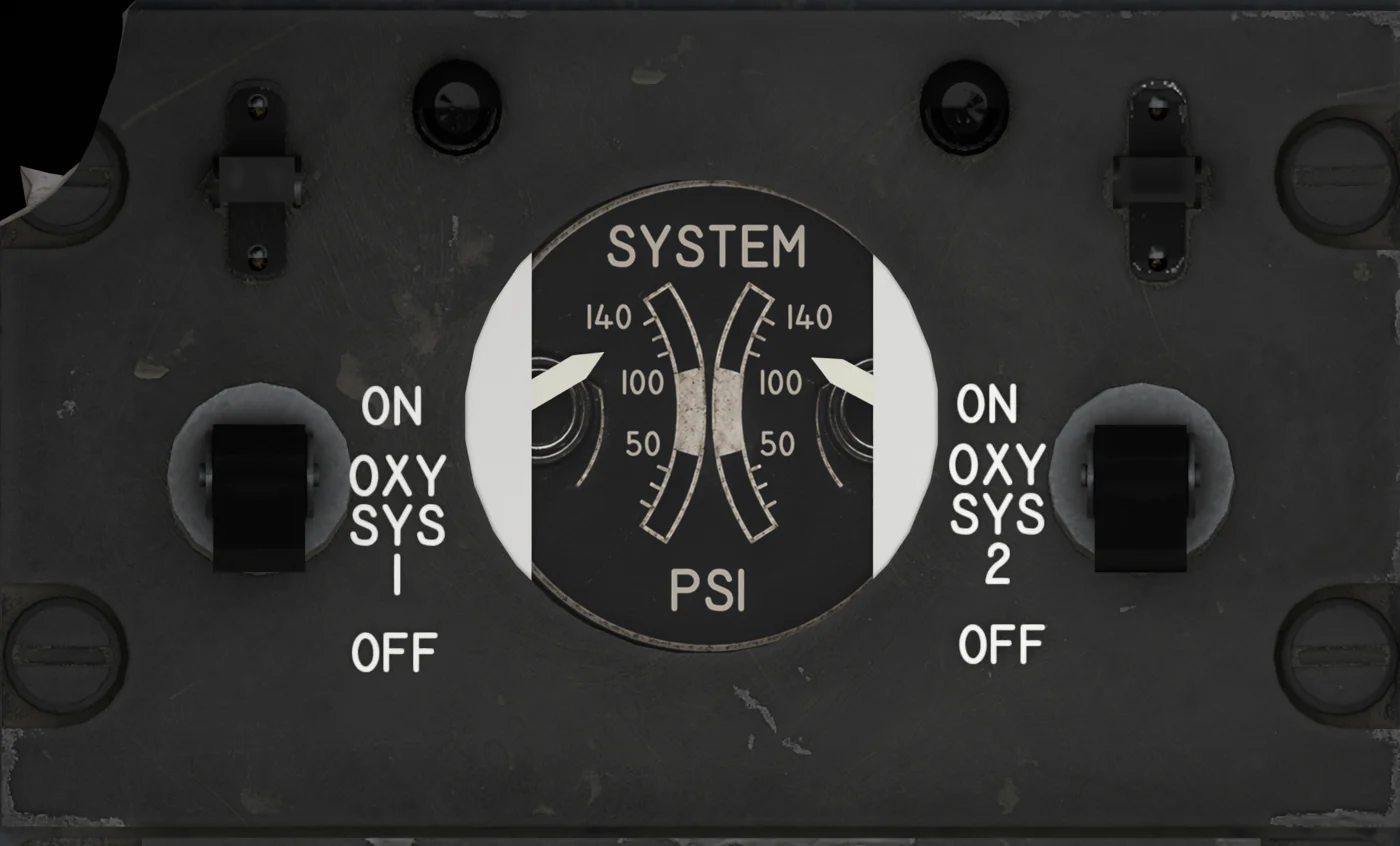 3Oxygen PanelOXY SYS 1 / 2 switches and the system pressure gauge. Oxygen →
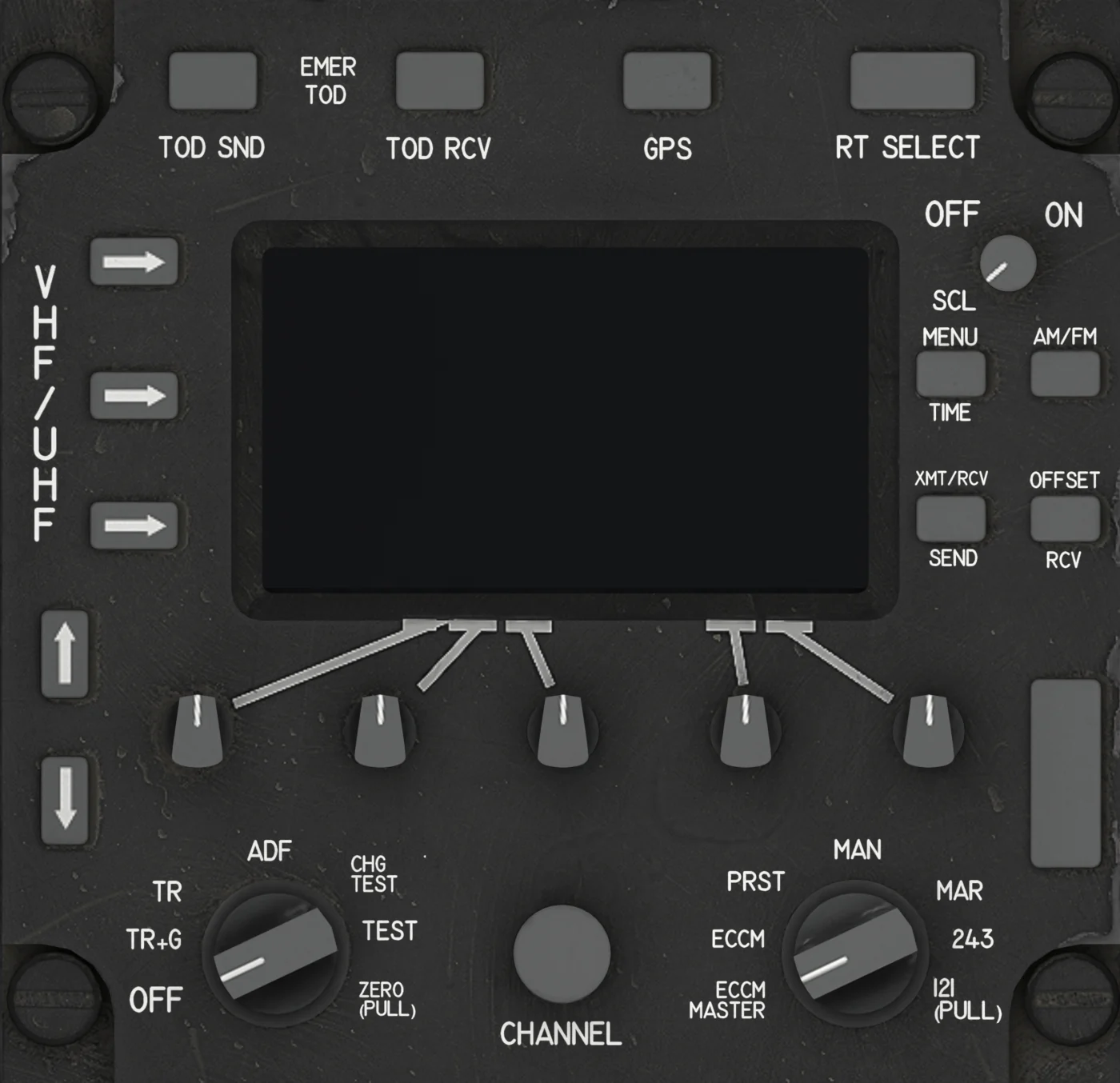 4ARC-210 Backup RadioVHF / UHF control head - the simulator's COM 3. UFCD →
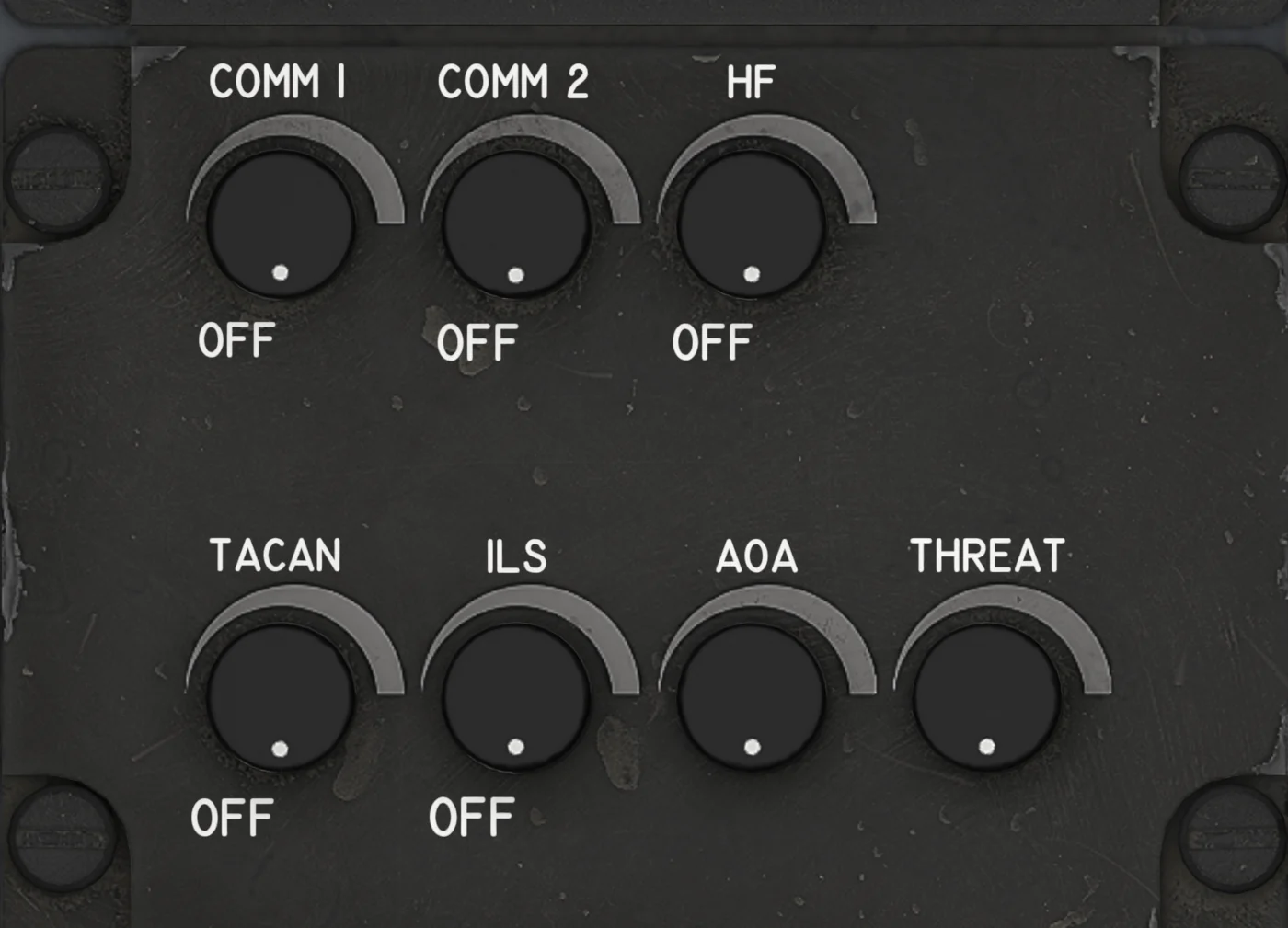 5Audio Volume PanelCOMM 1, COMM 2, HF, TACAN, ILS, AOA and THREAT volume knobs. Audio Panels →
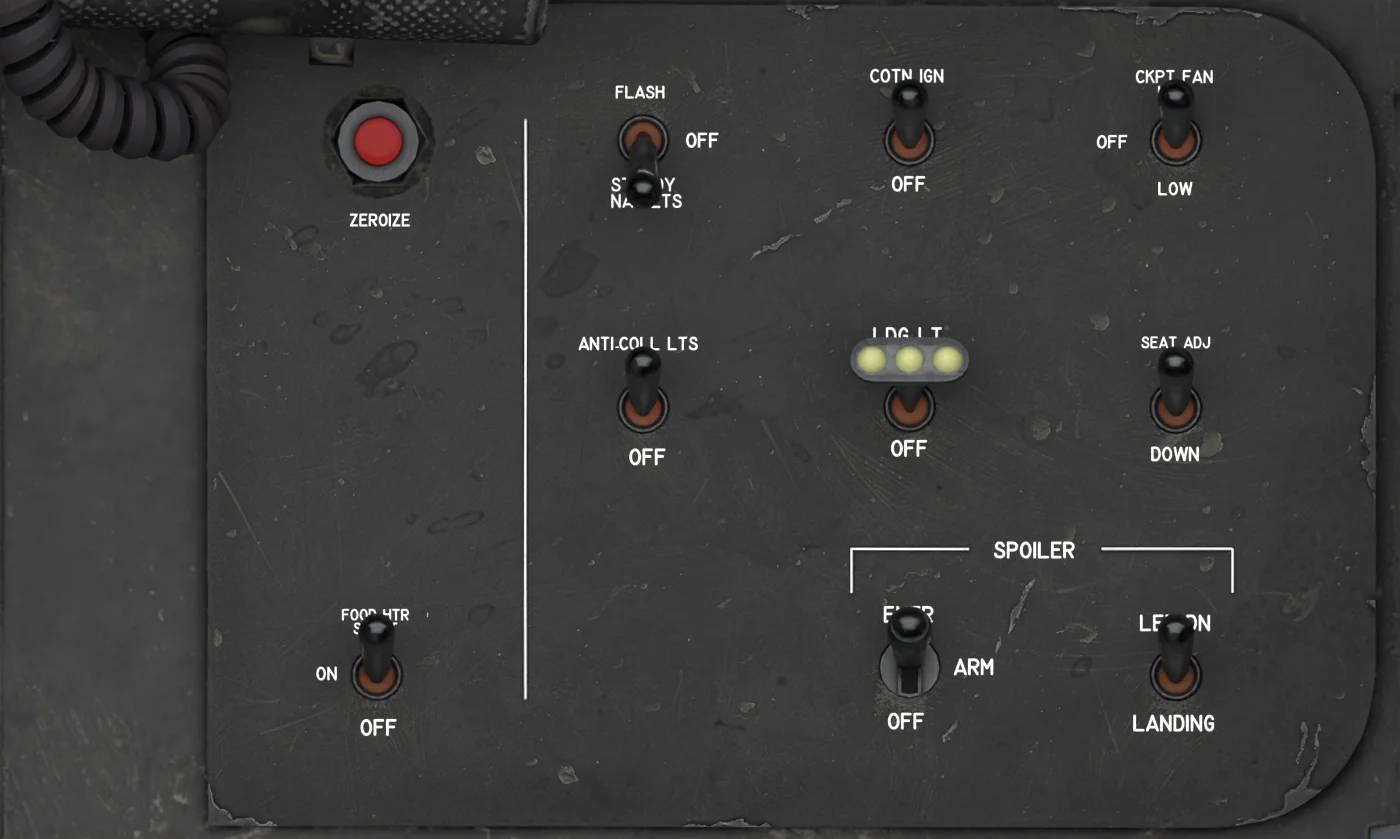 6Lights and Spoiler PanelExterior and cockpit lights, cockpit fan, seat adjust, landing light, SPOILER and LANDING / LET DN, ZEROIZE. Lights → Spoilers →
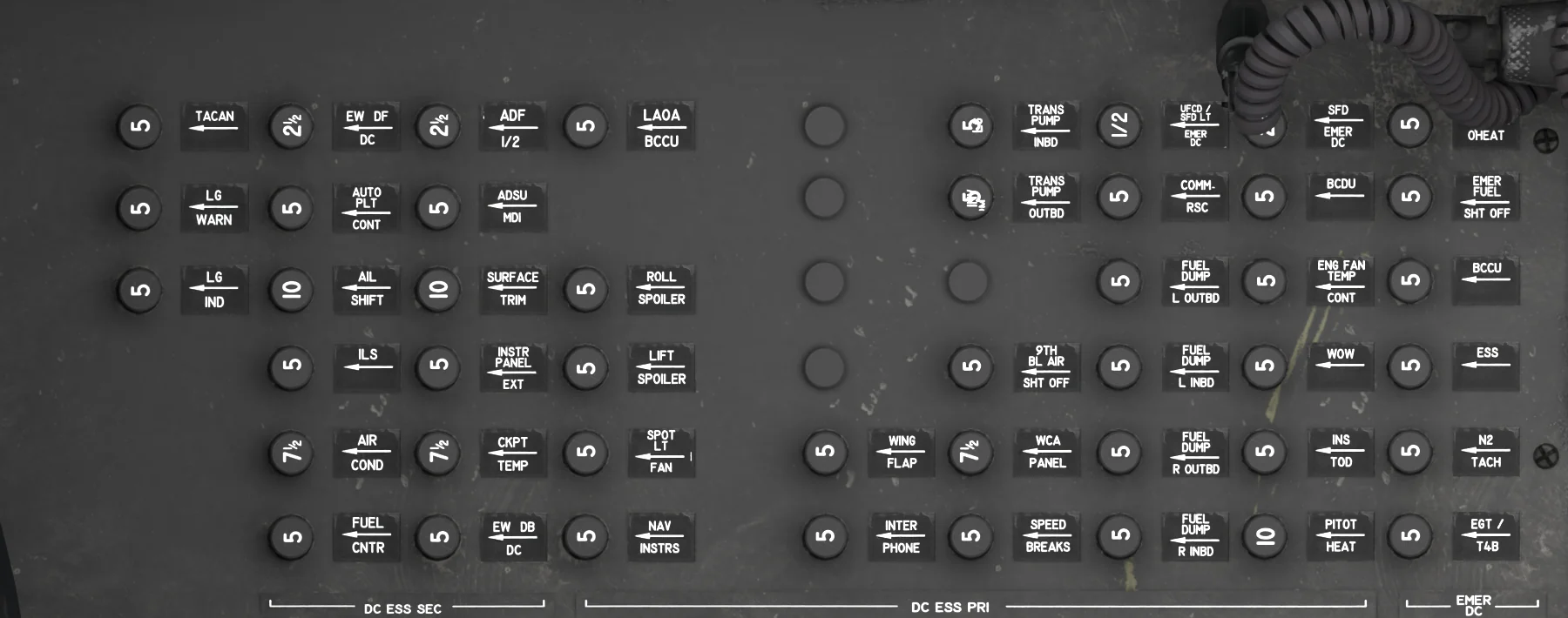 7Left Circuit BreakersDC essential and emergency circuit breakers (left side wall).
Right Console
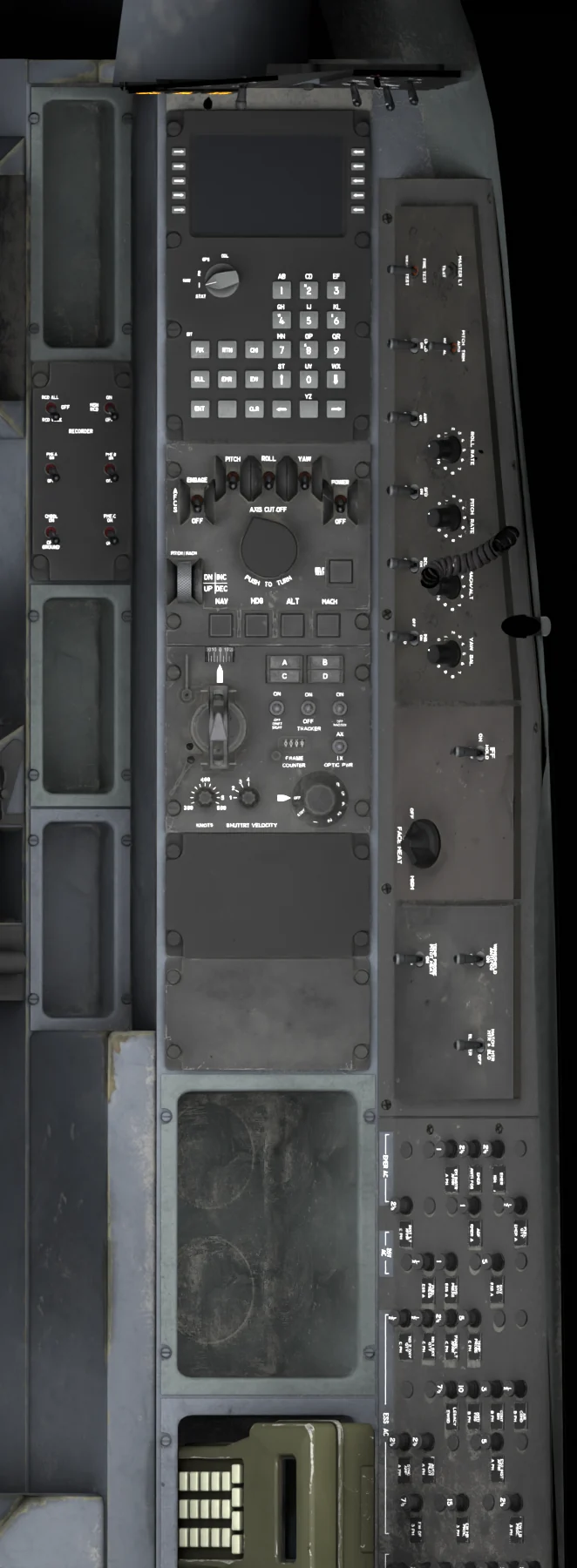
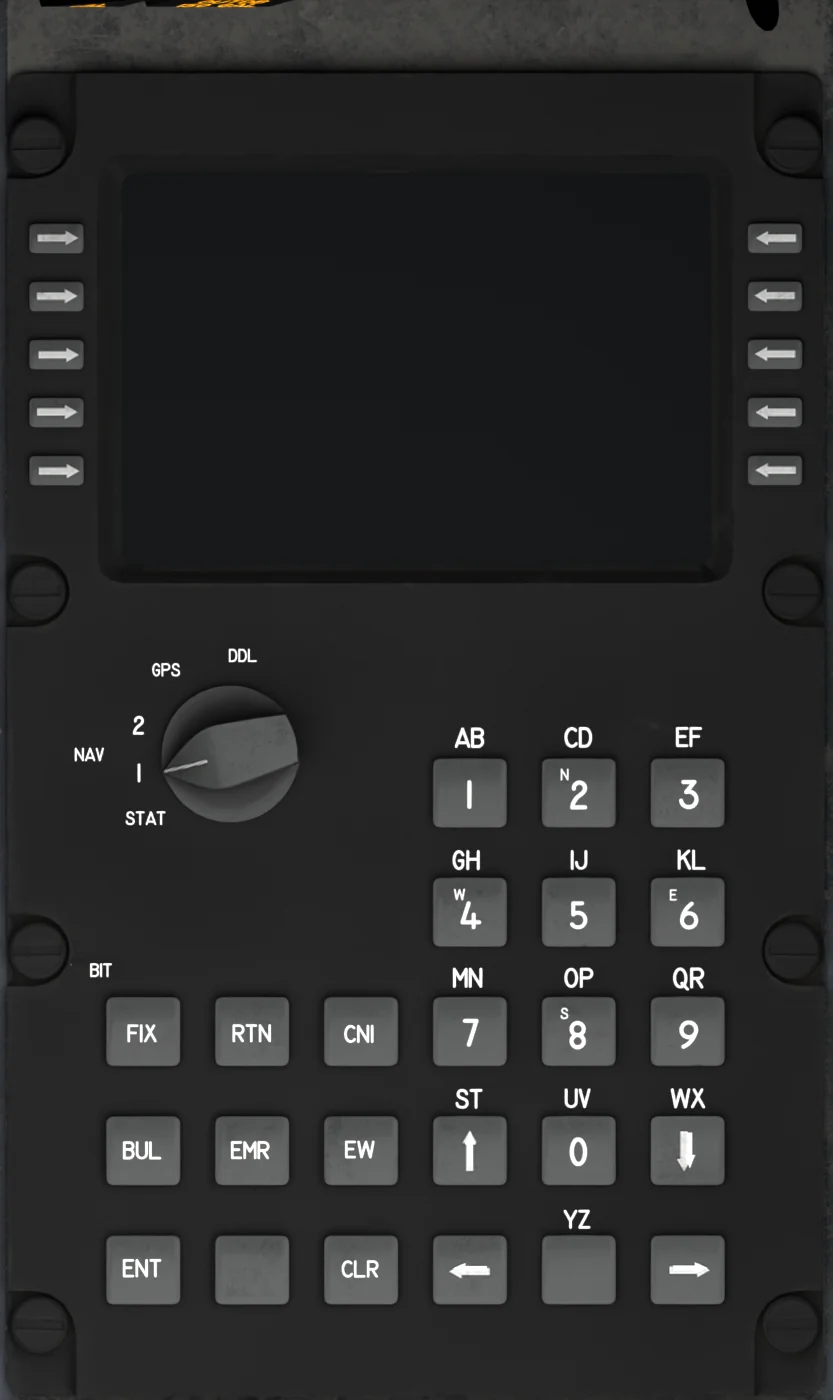 1Backup Control Display UnitINS alignment, destination points and steering - the back-up to the MFDs. BCDU →
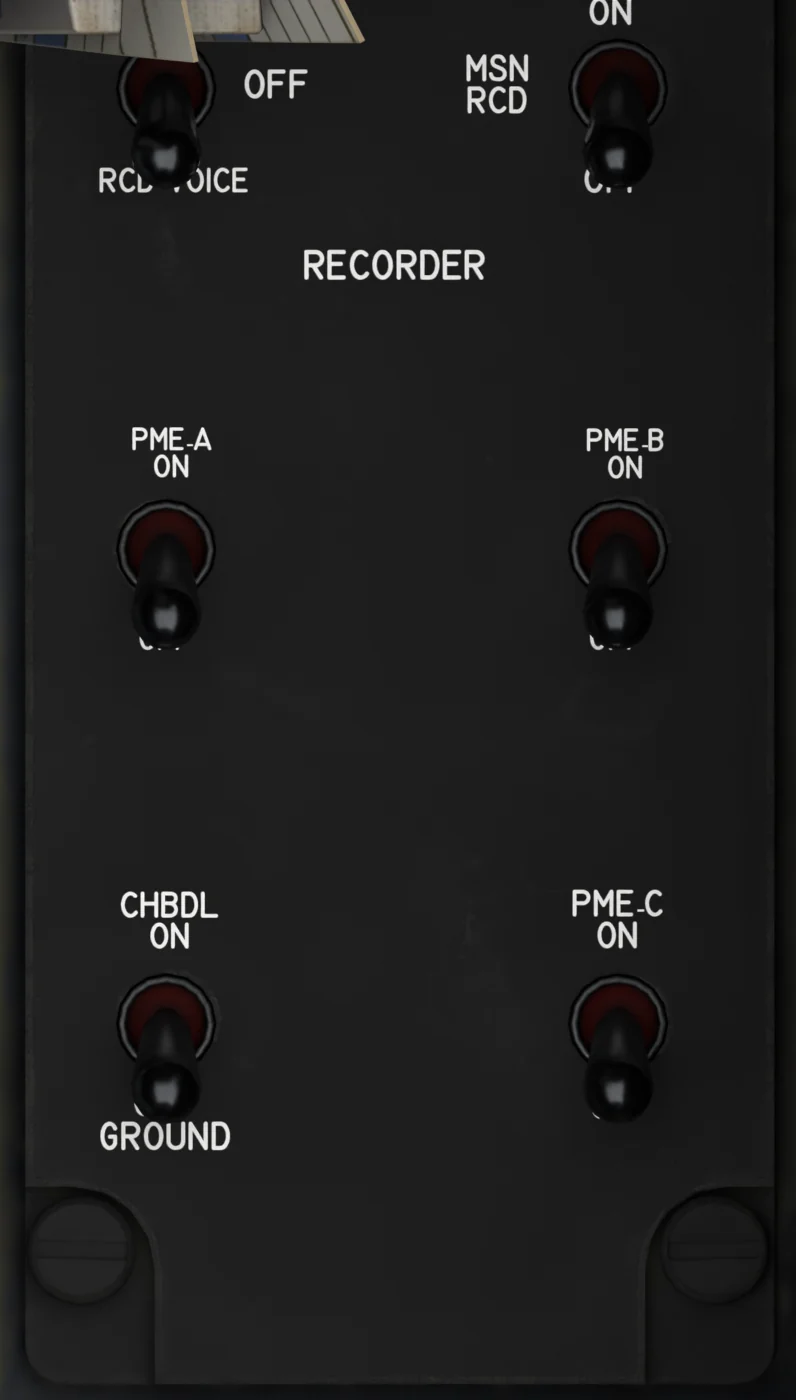 2PME Power PanelRECORDER and MSN RCD switches (MSN RCD ON for the EW threat tone); PME-A / B / C and CHBDL have no function. PME →
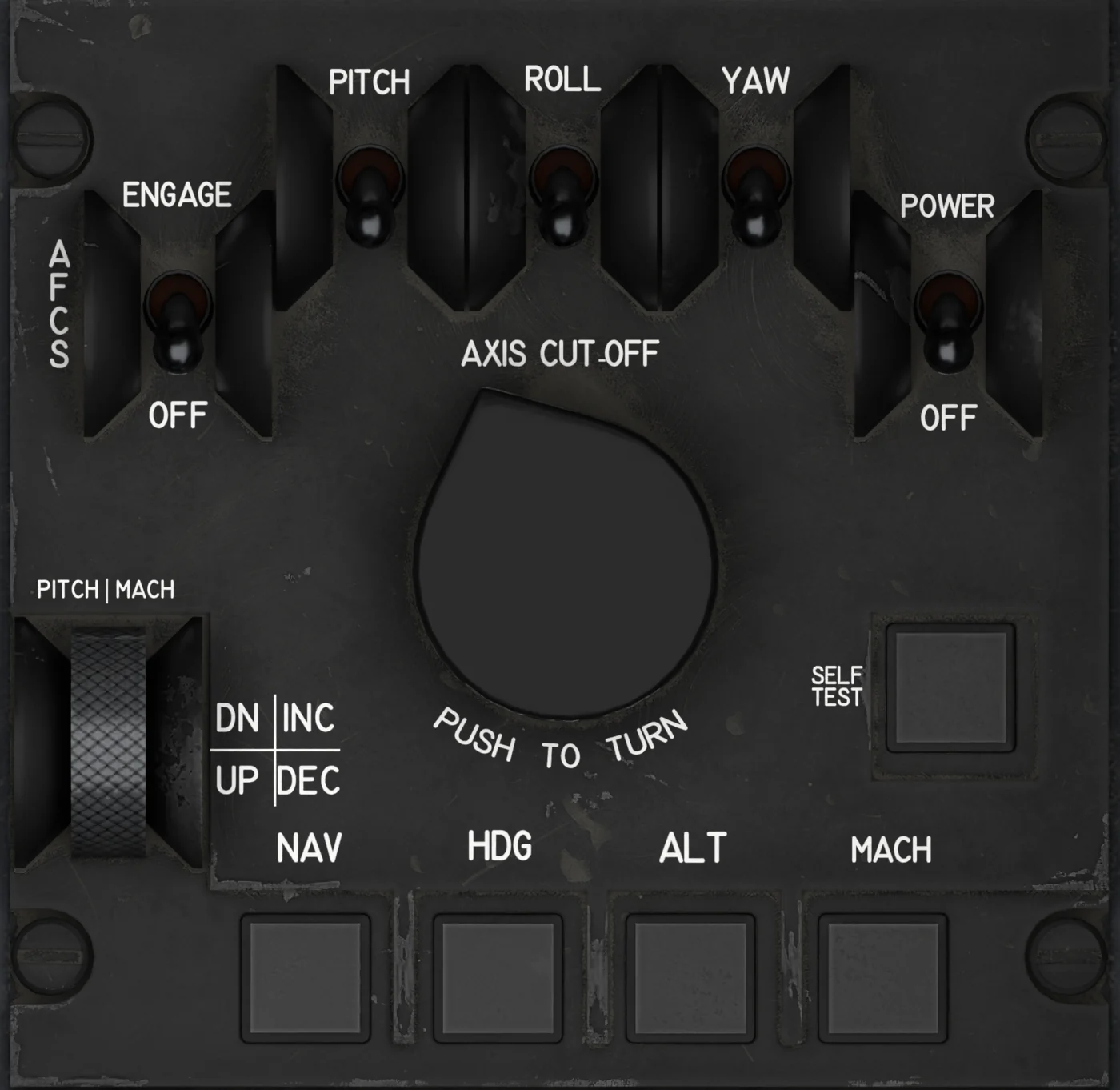 3AFCS PanelAutopilot power, engage, axis switches, mode buttons, PITCH MACH wheel and PUSH TO TURN. AFCS →
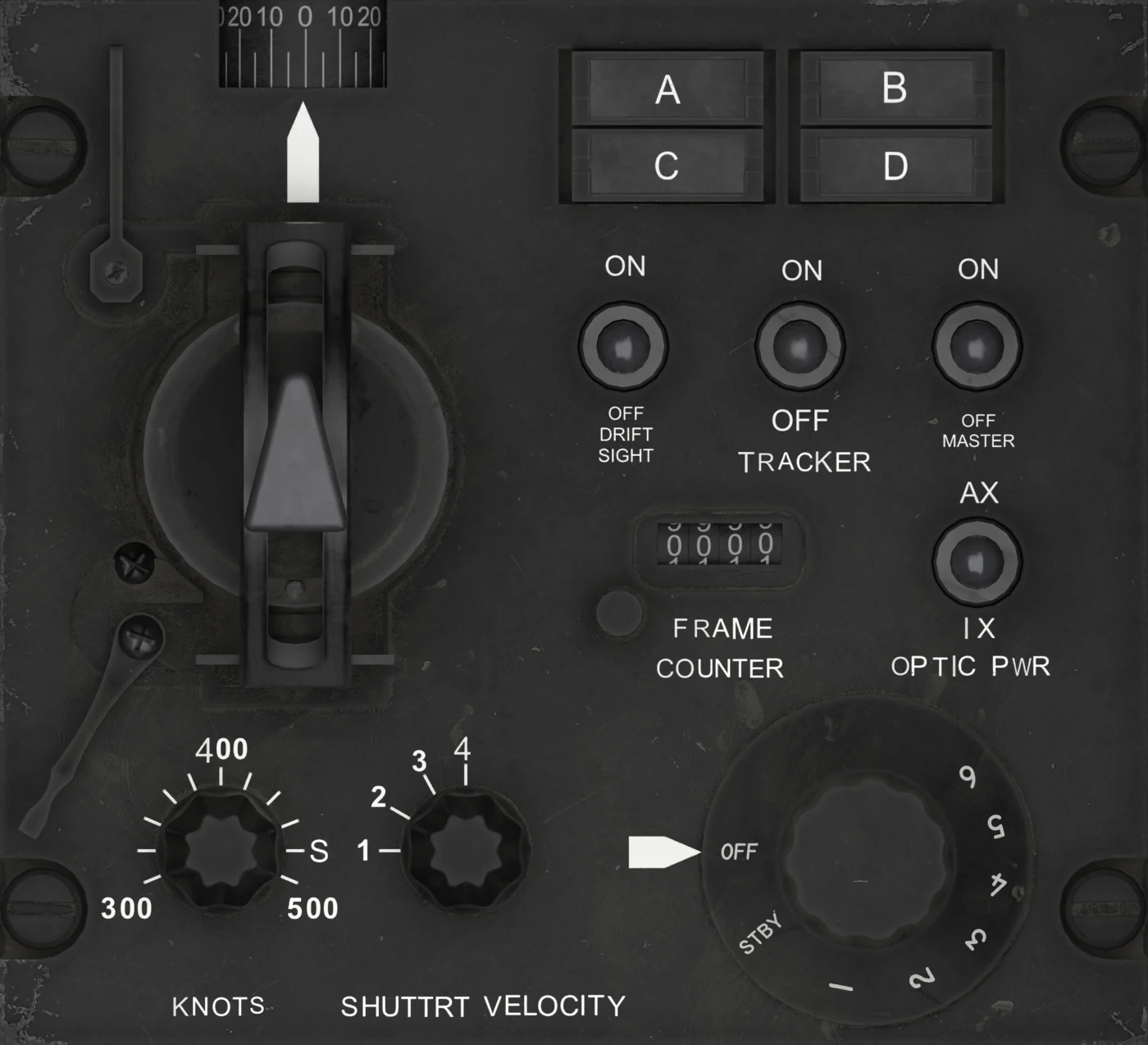 4Mark IV PanelMK IV MASTER and MODE for the camera, the A-D lights and the viewsight hand control. Mark IV →
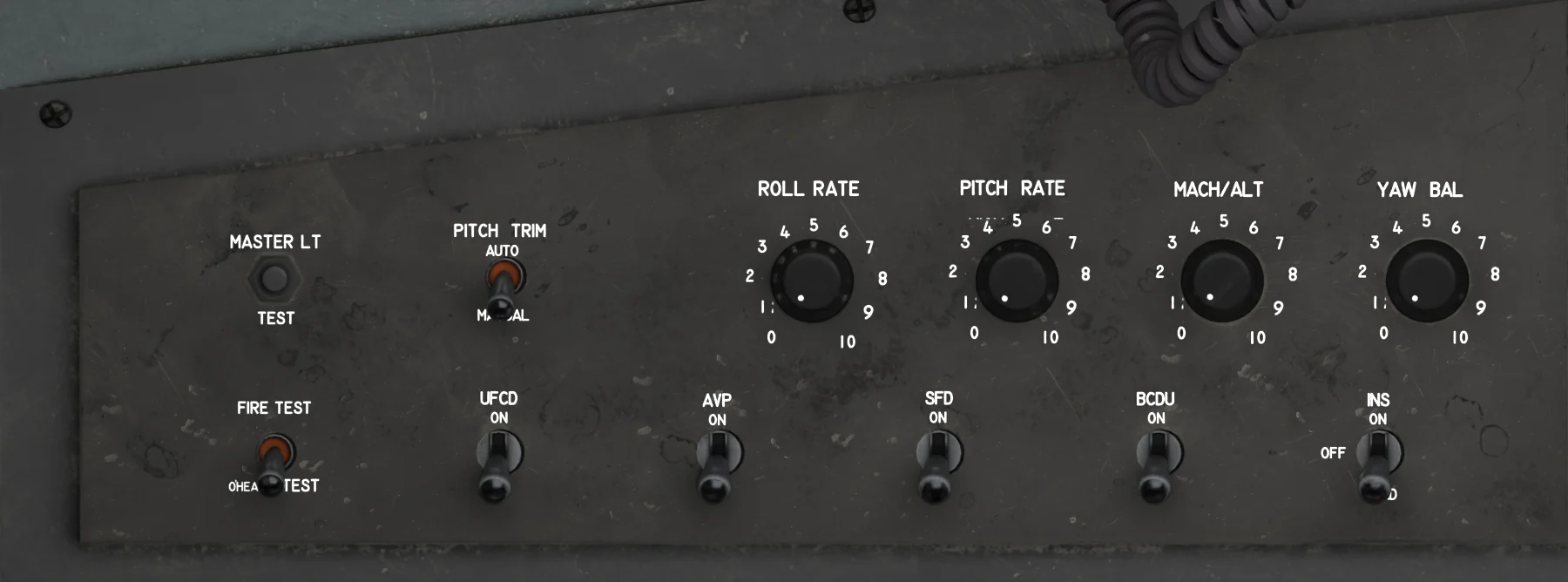 5Avionics Power PanelMASTER LT / FIRE tests, PITCH TRIM, AFCS sensitivity knobs, UFCD / AVP / SFD / BCDU / INS switches. Power →
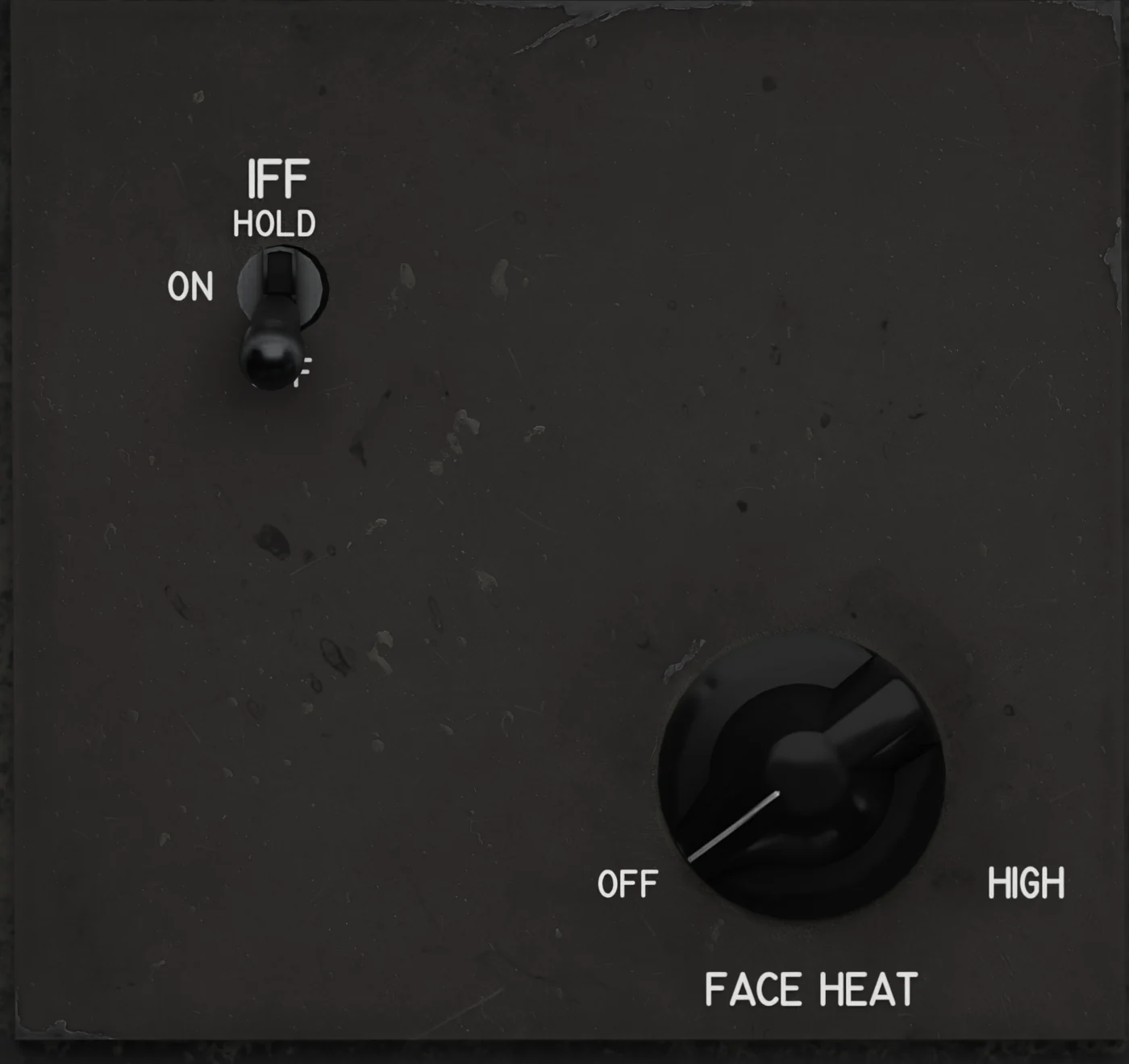
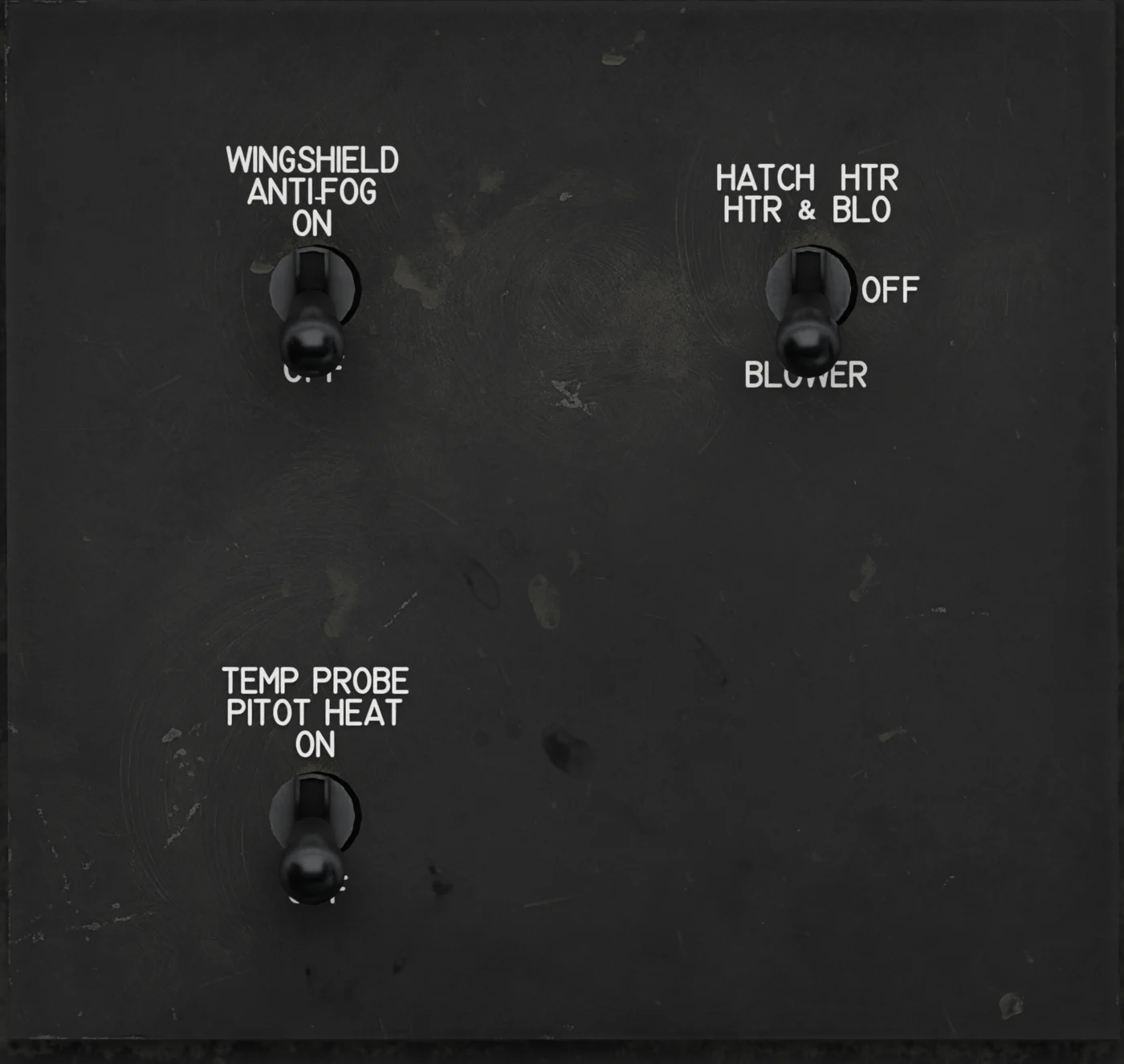 7Anti-Fog and HeatersWINDSHIELD ANTI-FOG, HATCH HTR, TEMP PROBE / PITOT HEAT. Cabin →
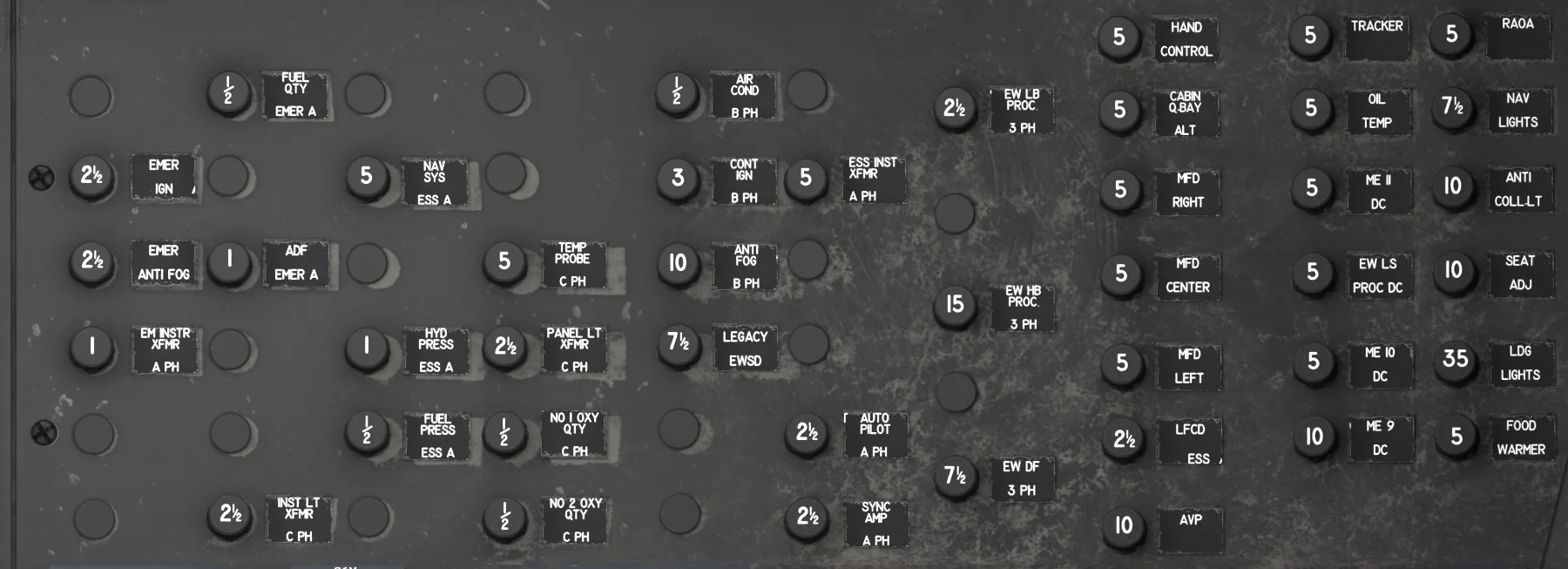 8Right Circuit BreakersAC and essential circuit breakers (right side wall).