 DOCUMENTATION
Cockpit and Walkaround Interactions
Things you can click in the cockpit and around the aircraft that are not on the EFB: the canopy, the gear pins, the wheel chocks, the walkaround checks and the lighting.
- Canopy - click the CANOPY LATCH placard on the right sill. On the ground only, and only with the CANOPY SEAL OFF.
- Gear pins - click the main or tail gear pins in the walkaround; one click removes both. The red flags on the pogos cannot be clicked: the runway crew pulls those pins - see Takeoff.
- Wheel chocks - click them away here, or use Wheel Chocks Off / On on the Ground tab. They don't follow the parking brake.
- Walkaround checks - stopped with the engine off, click an aileron, an elevator or the rudder for a movement check: it swings for about 4 seconds and the tooltip then reads Checked. The flaps and trim tabs have an inspect click. Take the elevator and rudder clips off first; the ailerons need GUST CONTROL FAIRED.
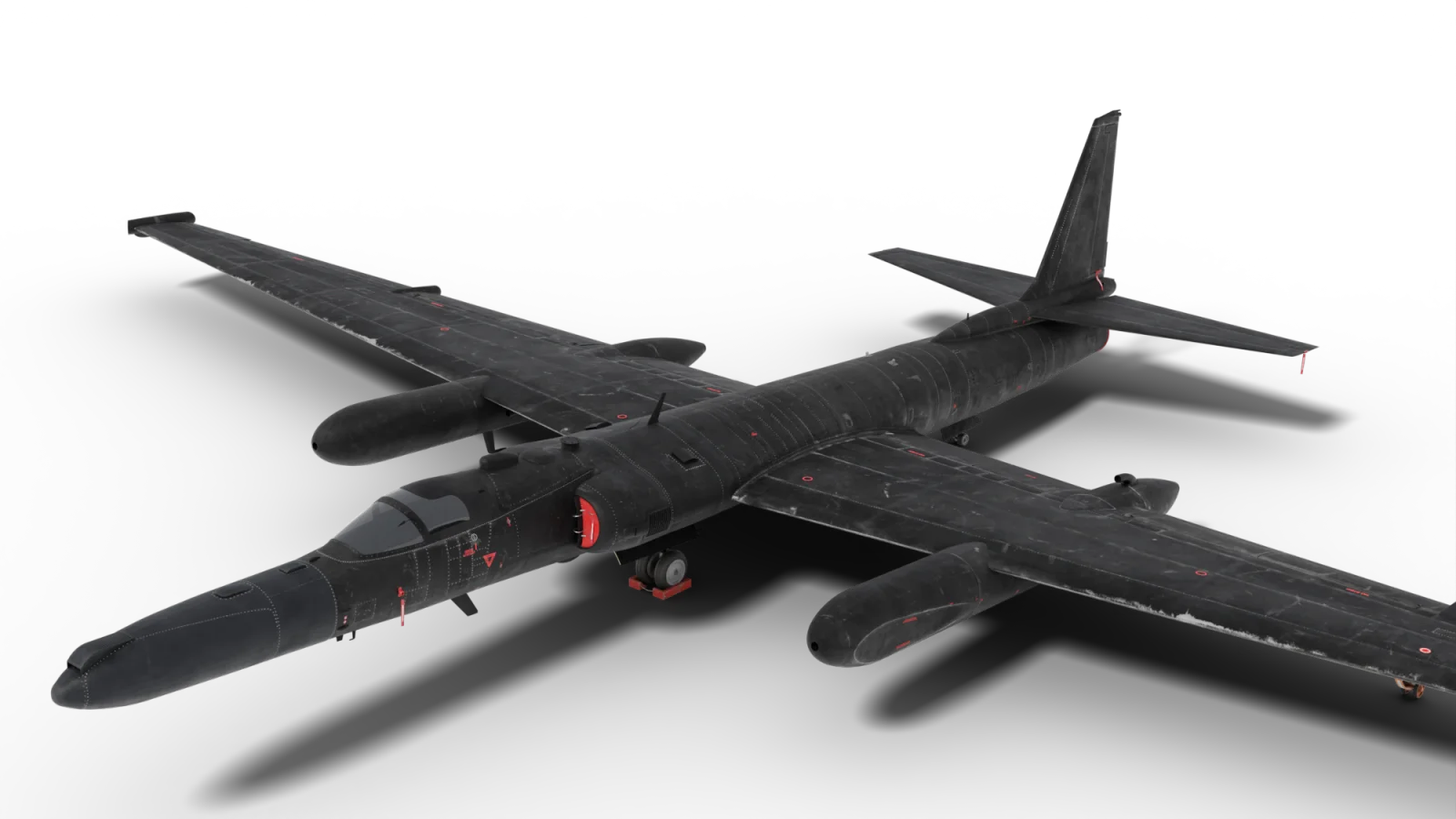
- Wheel chocks
- Intake cover (left)
- AOA vane cover (left)
- Exhaust cover
- Elevator clip
- Rudder clip
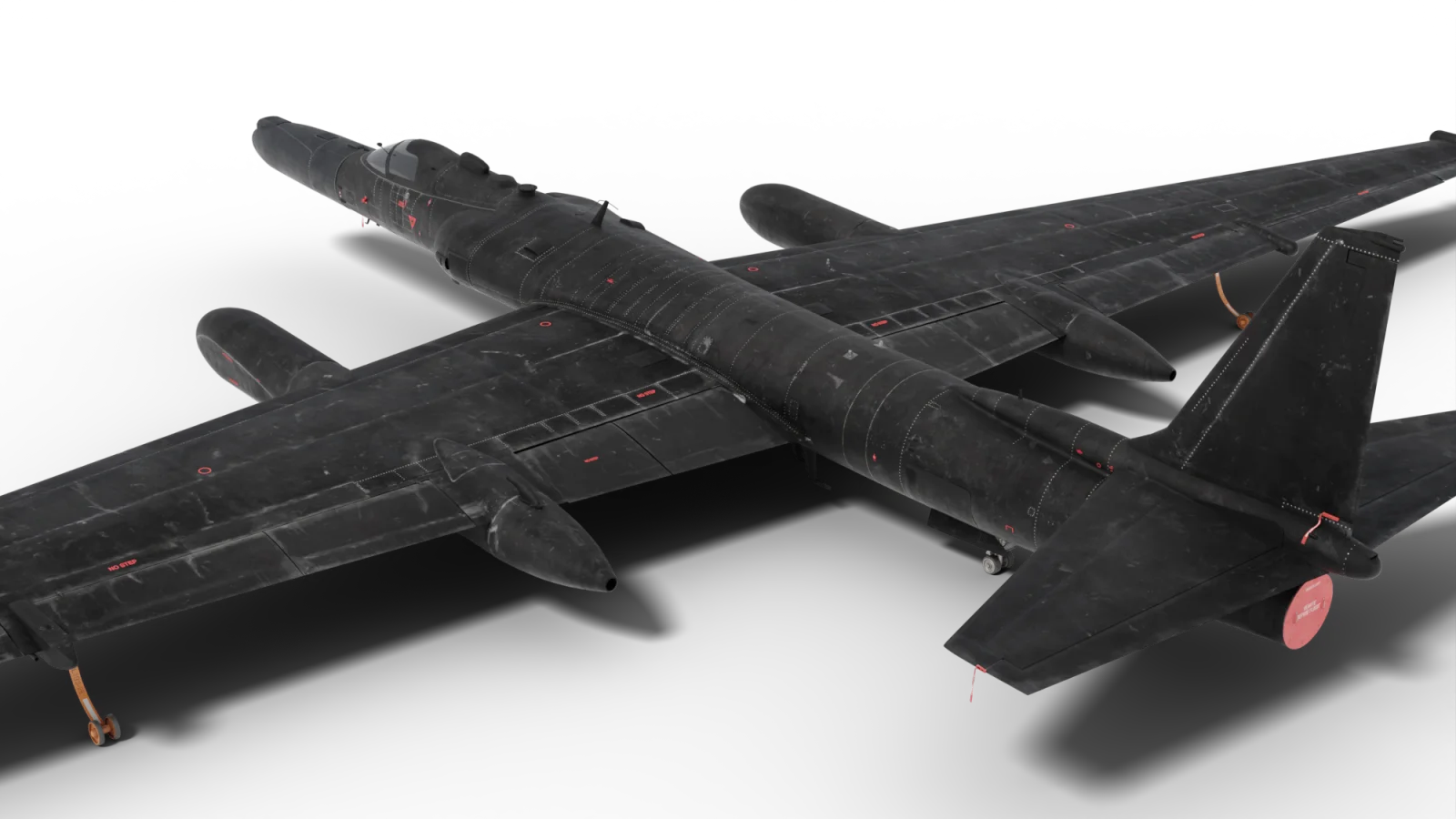
- AOA vane cover (left)
- Exhaust cover
- Elevator clip
- Rudder clip